




.svg)
.svg)

.svg)


.svg)





.svg)
.png?width=500&height=424&name=Style-1---V1-(1).png)


.png?width=1230&height=692&name=Vector%20(13).png)
What is Mobile Asset Management and Why Does It Matter?
Mobile asset management (MAM) is the process of tracking, securing, and optimizing every phone, tablet, scanner, and rugged handheld your workforce relies on.
Instead of waiting for devices to dock with a wired network, a cloud-based MAM platform gathers location, battery health, app inventory, and usage data directly from the field, so you always know what you own, where it is, and how it’s performing.
There is a solid reason to care about mobile device management as:
- Gartner estimates that up to 30% of IT hardware goes missing or is never recorded.
- Hidden downtime costs dwarf replacement spend. Deloitte research indicates that poor maintenance practices, often associated with blind spots in asset visibility, can reduce productive capacity by 5 to 20% and result in $50 billion in annual unplanned downtime costs.
- Visibility gaps make operational risk worse. Nearly half of supply‑chain leaders told KPMG they still feel vulnerable to disruption because real‑time asset data is patchy.
These are all too real problems that mobile asset management can solve. MAM transforms devices from liabilities to resources, helping you reduce losses, streamline audits, and keep users productive in the field.
Evaluating Leading Mobile Asset Management Platforms
1. Workwize
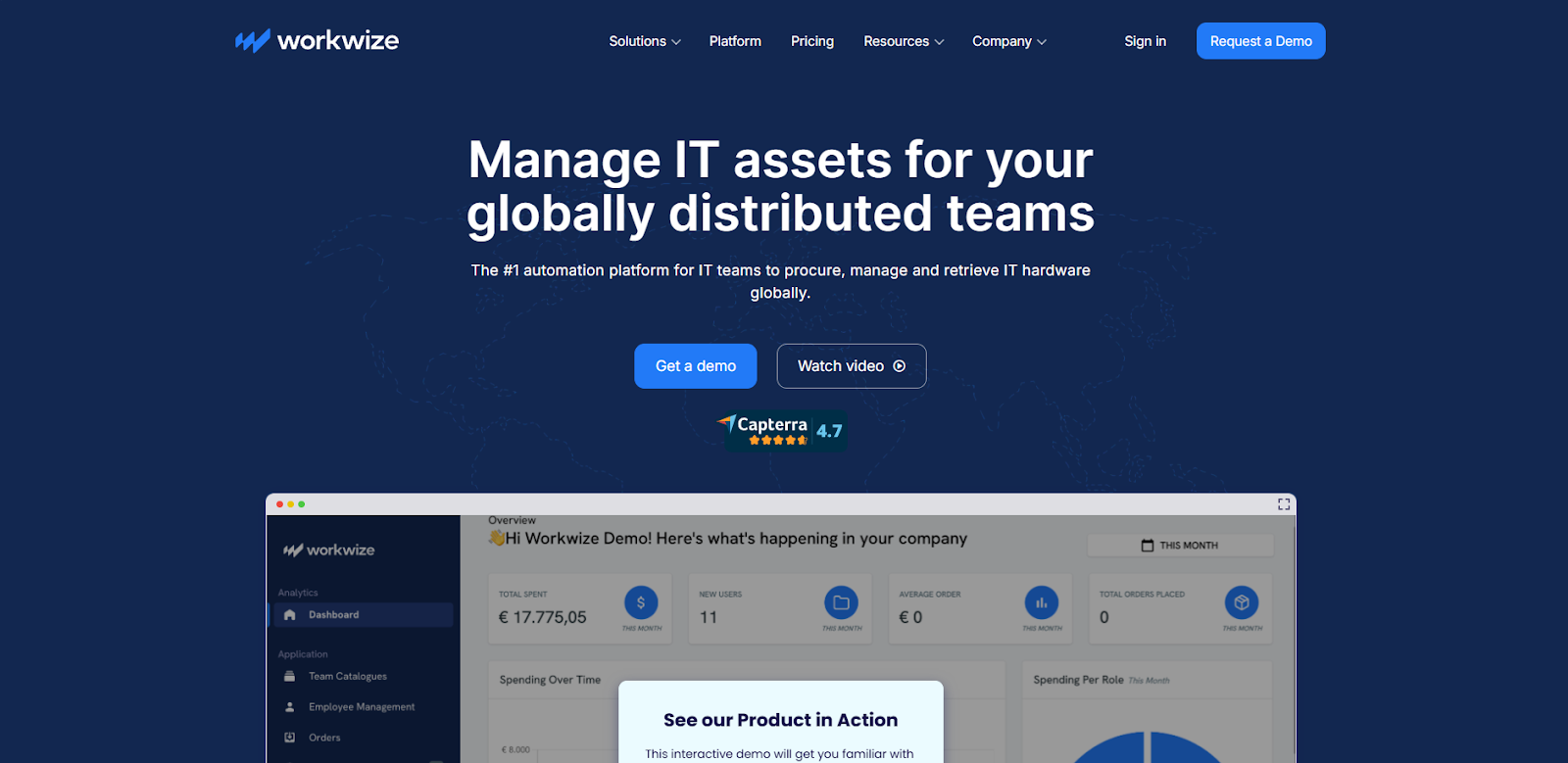
Workwize is a mobile asset management platform that helps you track and manage laptops, phones, and other portable devices across remote and distributed teams. With everything centralized in one platform, you can easily track laptops, phones, and other mobile devices from the moment they’re ordered to the day they’re returned.
What makes Workwize stand out is how hands-off it makes a traditionally hands-on process. You don’t need to chase couriers, juggle spreadsheets, or lose sleep over missing assets. The platform allows you to deploy devices pre-configured with MDM, monitor their usage and condition in real-time, and coordinate returns or replacements globally with minimal back-and-forth.
Best features
- Ship MDM-ready devices globally: Deliver pre-configured laptops and phones directly to employees across regions.
- Track assets in real time: View who has each device, its location, and condition through a centralized dashboard.
- Automate retrievals and returns: Schedule pickups, send reminders, and manage return workflows without manual tracking.
- Enable secure decommissioning: Wipe, recycle, or redeploy devices in compliance with IT and sustainability policies.
- Centralize lifecycle management: Manage the procurement, deployment, and recovery of mobile assets in a single, streamlined platform.
Reviews
- G2: 4/5
- Capterra: 4.4/5
Pricing
- Basic: Essential tools for streamlined device management. Includes delivery in 3 regions, asset tracking, SSO, HRIS + MDM integration, and repair workflows.
- Professional (Most popular): Automation and logistics for scaling teams. Adds auto-deployment, offboarding, restocking, and expands coverage to 5 regions.
- Enterprise: Full control for global IT operations. Includes unlimited regions, SCIM, API access, sustainability tools, and tailored support.
Read More: 10 Best IT Asset Management Software for Distributed Teams
2. ManageEngine Mobile Device Manager Plus
Via ManageEngine
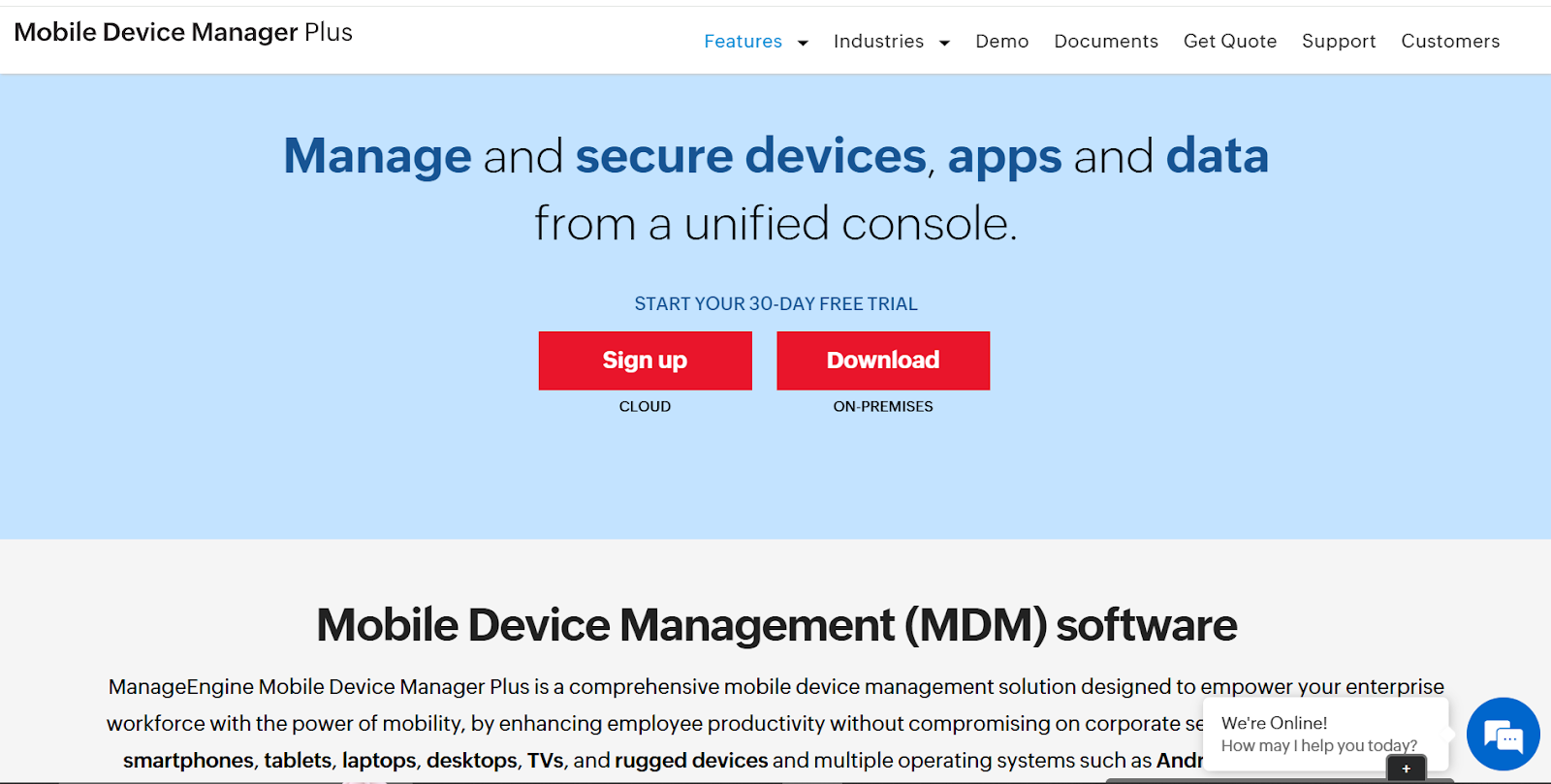
ManageEngine’s MDM Plus brings classic IT‑asset inventory disciplines to smartphones, tablets, handhelds, and even Chrome OS endpoints. From a single console, you can see hardware identifiers, OS versions, installed apps, and ownership details across your enrolled devices.
The product leans into mobile‑specific telemetry. Battery-level tracking and automated low-power alerts help critical field devices from dying mid-shift. In contrast, location tracking and geofencing can trigger remote‑wipe or lockdown actions if a handset strays outside an approved zone.
Day‑to‑day troubleshooting is equally mobile‑friendly. Technicians can remote‑view or control Android and iOS screens, push OS patches on the go, and export audit‑ready inventory reports quickly.
Best features
- Track every device in real-time: Pull granular hardware and software inventory, and schedule automated scans.
- Monitor battery health at scale: Get email or SMS alerts when charge levels dip below custom thresholds.
- Troubleshoot remotely: Launch secure remote‑control sessions to resolve issues without recalling devices.
Reviews
Pricing
3. Asset Panda
Via Asset Panda
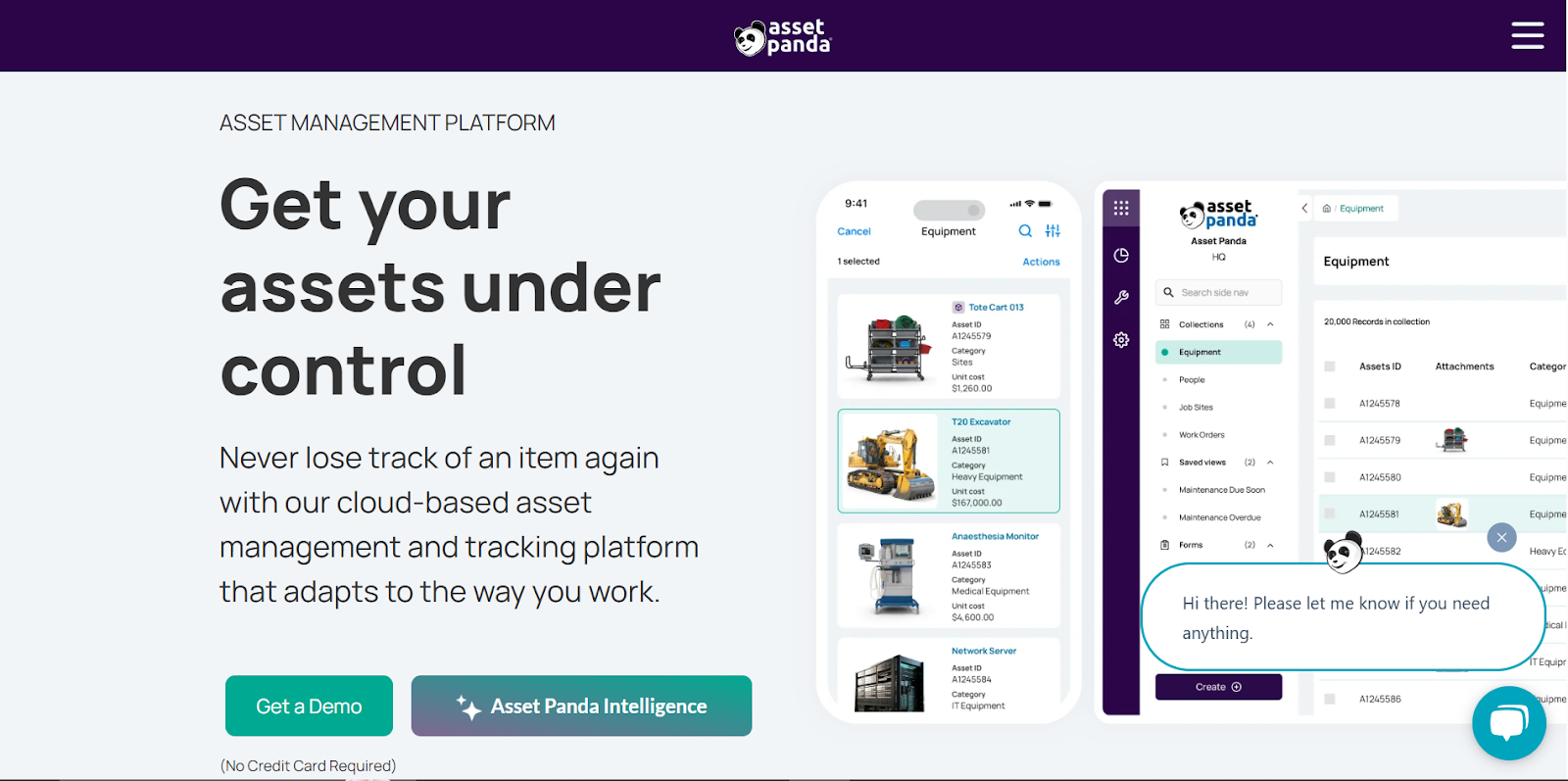
Asset Panda’s iOS and Android apps sit at the heart of the platform. Built-in barcode and QR scanning turn any phone into a data-capture tool, allowing field teams to check equipment in or out, trigger repairs, or update status, even when offline, and sync when coverage returns.
Behind the scenes, each scan updates a cloud record that tracks lifecycle milestones, depreciation, warranties, and compliance sign‑offs. Because the mobile app honours the same role‑based permissions as the desktop view, you maintain governance without slowing people down.
Best features
- Scan assets on the go: Use the mobile camera as a barcode/QR reader—no dedicated scanners required.
- Audit from any site: Conduct full or spot audits in offline mode and sync results later.
- Create custom workflows: Launch service tickets, reservations or status updates directly from the handset.
Reviews
Pricing
- Custom pricing
4. BlueTally
Via BlueTally
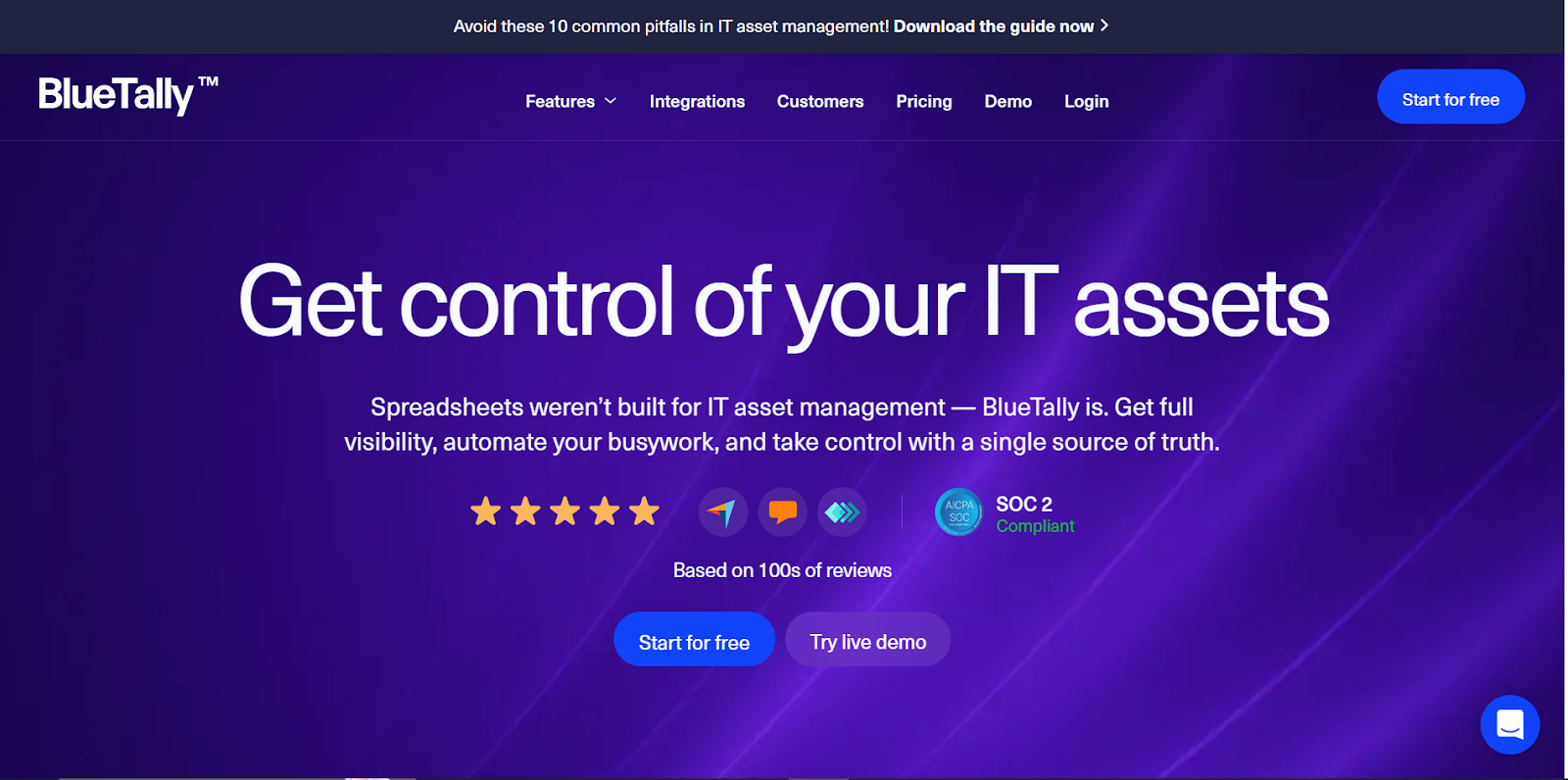
With BlueTally, any authorized user can launch the web-based app on a phone, scan a barcode, and view the device's owner, warranty status, and return date, making it ideal for fast checkouts at onboarding desks.
Moreover, close integrations with Microsoft Intune, Jamf, Teams, and Slack push asset events straight into the collaboration tools your admins already live in. Automated self‑audits round out the mobile focus: employees confirm possession from their phones, and BlueTally builds an audit trail without IT’s direct involvement.
Best features
- Scan and assign in seconds: Turn any camera into a barcode scanner for instant check‑in and out.
- Get real‑time alerts: Route due‑back or low‑stock notifications to Teams or Slack channels.
- Run self‑audits: Let end‑users verify assets from their phones to keep records clean.
Reviews
- G2: N/A
- Capterra: 4.7/5 (70+ reviews)
Pricing
Read more: 19 MDM Benefits for Remote Teams
5. SAP Service and Asset Manager
Via SAP
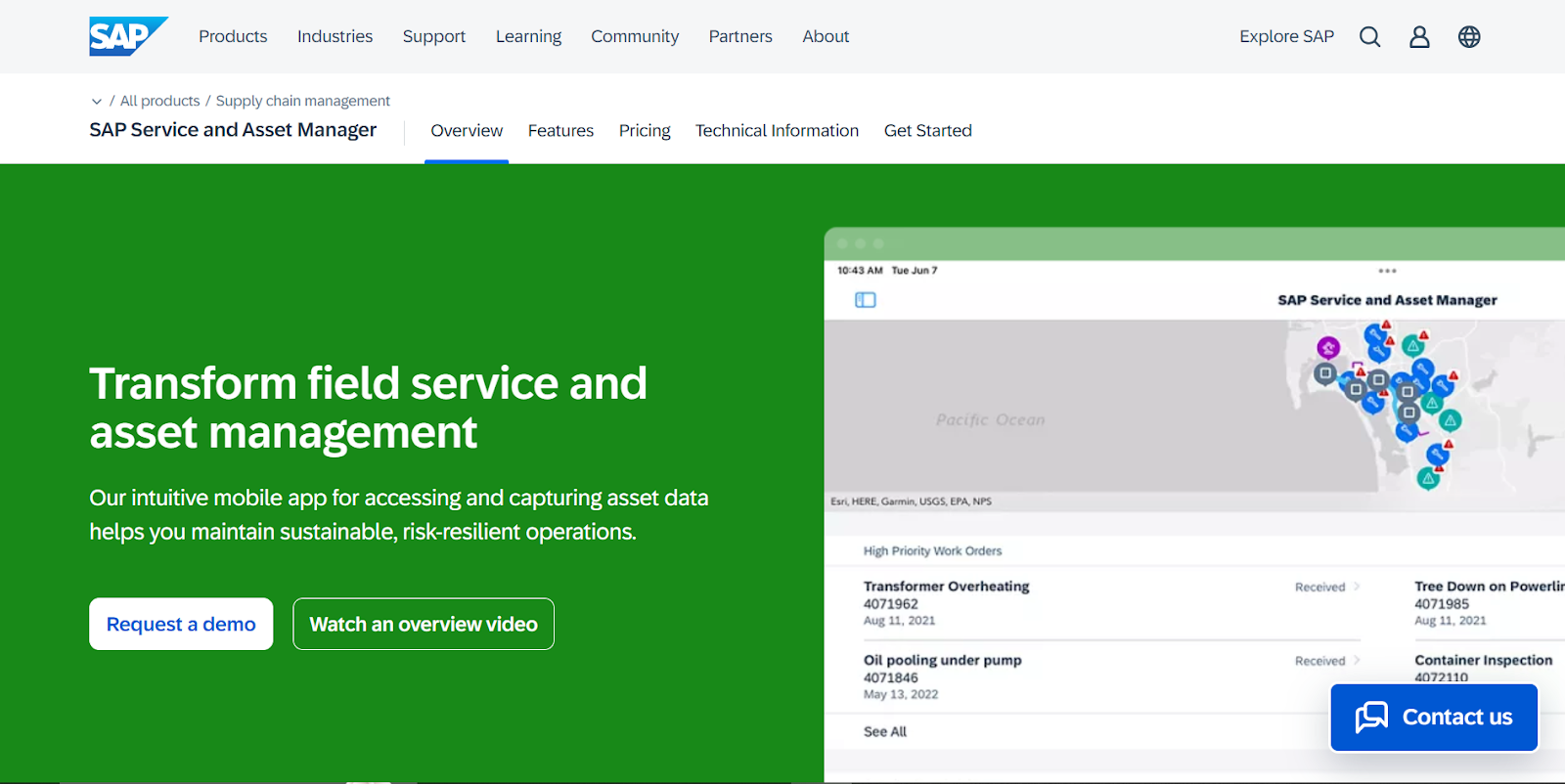
SAP’s mobile‑first Service and Asset Manager app extends your S/4HANA or ECC stack straight into the field. Technicians receive a persona‑based interface that pulls work orders, bills of material, and safety documents onto any iOS, Android, or Windows device, with the same data flowing back to your ERP in real time or when a connection returns.
Where the tool really earns its place on our list is offline resilience and location intelligence. Crews can accept jobs, record meter readings, and issue spare parts while deep underground or miles offshore; once coverage reappears, the app syncs everything, including GPS data and geofenced events, back to headquarters.
Best features
- Sync work orders offline: Keep assignments, time records, and parts movements flowing even without connectivity, then auto‑reconcile later.
- Visualize assets in AR: Pull up 3‑D models and step‑by‑step repair instructions to shorten diagnostics and training time.
- Capture digital forms on the fly: Build no‑code inspection or safety forms and push results straight into SAP ERP/S/4HANA.
Reviews
- G2: N/A
- Capterra: N/A
Pricing
- Custom pricing
Mobile Asset Management Solutions: At a Glance
Implementation Roadmap for Mobile Asset Management
Once you’ve selected the platform that matches your fleet and workflows, you need to follow a plan that starts with clean data and progresses to real-world piloting and continuous optimization.
- Baseline and cleanup (Week 1‑2). Inventory every phone, tablet, and scanner you own, then scrub duplicates and outdated serial numbers. A clean foundation prevents bad data from entering into the new system.
- Select and pilot (Week 3‑4). Launch a sandbox environment of the platform that aligns with your use case or 'best for' category. You can test it on one high‑usage department: field service if you’re considering SAP Service & Asset Manager, or a retail store, if Asset Panda is on the shortlist, and run real check‑in and out cycles.
- Integrate core systems (Week 5‑6). Integrate the platform with your MDM, ITSM, and finance apps so warranty, GPS pings, and ticket notes stay synced.
- Persona‑based training (Week 7). Conduct quick walkthroughs for store managers; deeper maintenance workflows for technicians.
- Measure and optimize (Week 8‑10). Track lost device rate, audit accuracy, and time‑to‑locate. Tune automations and alerts until each metric is acceptable.
Workwize: The Right Mobile Asset Management Platform For Remote Teams
Picking the right mobile asset management platform comes down to one thing: fit. Think about how your team works. Are your devices constantly on the move—between cities, roles, or even countries?
Do you need deep integrations with your existing tools, or just a lightweight way to track what’s where? The best platform is the one that matches your workflows, scales with your team, and quietly solves problems before they escalate.
That’s why Workwize is an easy recommendation if you’re managing a remote or distributed device fleet. If simplicity, scale, and visibility are top of mind, Workwize might just check all the right boxes.
Schedule a demo with Workwize now.


Shashank Mishra

Establish a single source of truth for every IT asset across the globe.
.png?width=258&height=318&name=g10%20(5).png)
More related resources to help you stop firefighting hardware operations.



Get monthly insights into how other IT leaders are improving their ops.



.png?width=2880&height=1232&name=Group%202147262874%20(1).png)
Stop coordinating
hardware like it's 2012.
.svg)
.svg)
.svg)
.svg)
.svg)