Zero-Touch IT Hardware Deployment Has Never Been Easier
Pre-configure, ship, and deploy devices globally & automatically as soon as a hire is confirmed. New employees start work with ready-to-use hardware. Wherever they are. Get global IT deployments done the way they were meant to.
Trusted by global IT teams to manage 120,000+ devices.
Manual deployment doesn't scale. Fix it with one automated system.
Skip the IT setup queue.
Enroll devices for your remote team and apply security policies to your devices before they ever leave the warehouse.
- Automatically enroll in Apple Business Manager, Microsoft Autopilot, Jamf, Intune, JumpCloud, and more
- Apply security policies, access controls, and configurations upfront permissions or budgets accordingly.
- Ship devices that boot up ready-to-use on first login
- Sync identity provider settings so SSO and access work from day one
Trigger deployment the moment a hire is confirmed.
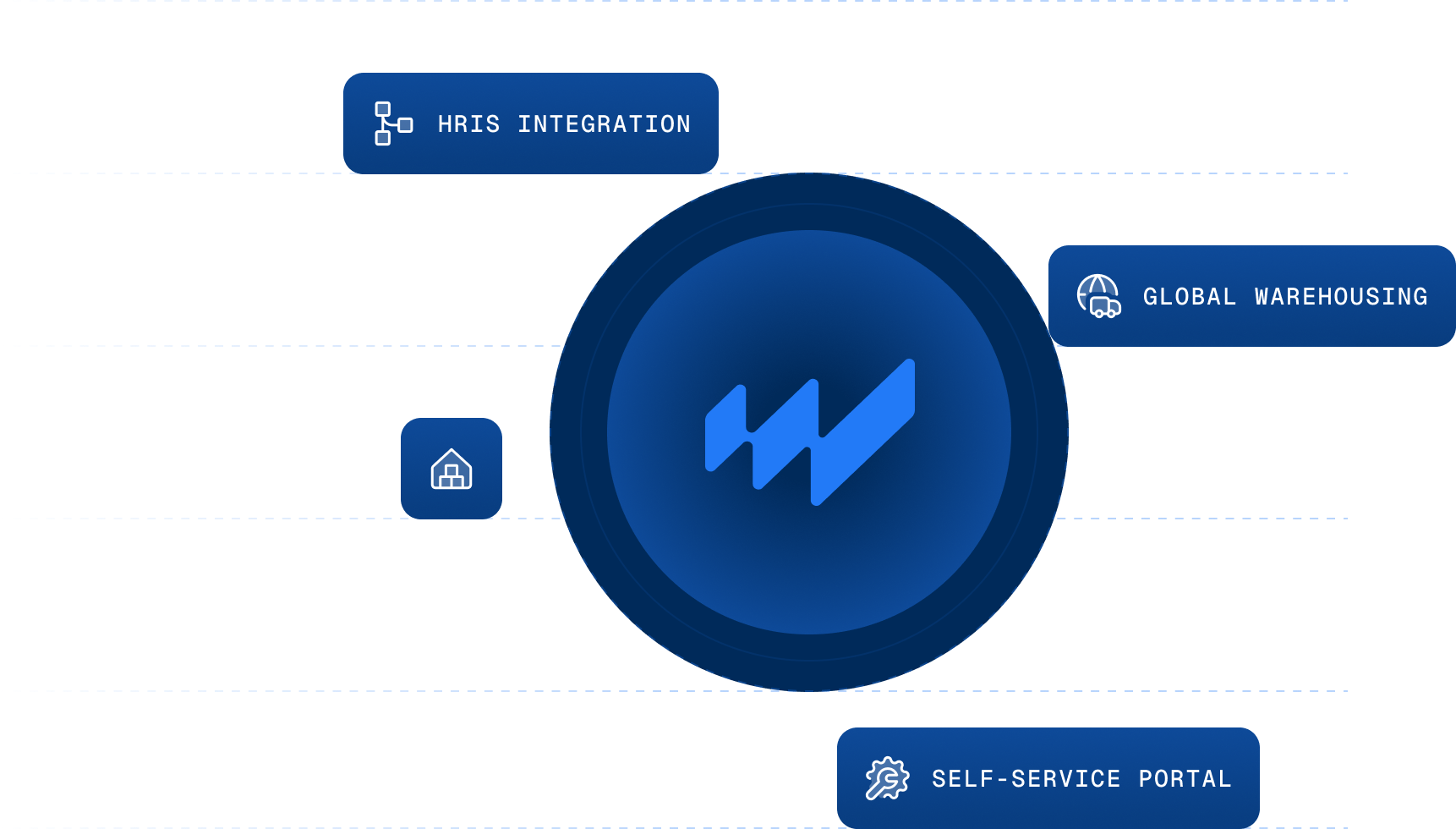
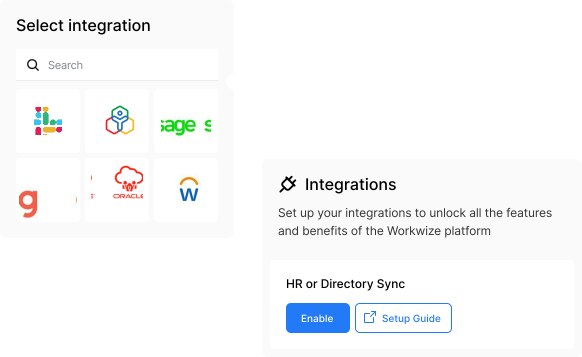
Connect Workwize to your HRIS and let onboarding events trigger device deployment automatically.
- Sync new hires, role changes, and location updates in real-time
- Determine the right device based on role, department, and location
- Route orders through automated approval flows based on budget and policy
- Pre-configure devices before they ever leave the warehouse
Local delivery. Global coverage
Deliver hardware in 5-7 days from warehouses across the globe, without the import duties and lead time surprises.
- Ship from owned warehouses across EU, UK, US, Canada, Mexico, India, Brazil, Singapore, and more
- Avoid cross-border shipping costs and customs delays
- Get consistent delivery timelines, whether it's Austin or Antwerp
- Track shipments in real time from dispatch to delivery
Self-service that doesn't compromise IT control.
Give employees a branded portal to choose from approved devices, while IT keeps full control over what's available.
- Curate role-based catalogs with pre-approved devices
- Let employees customize within company policy
- Automate request and approval routing
- Track every order from request to delivery
Know where every device is at every point in the process.
Log every device automatically into a centralized asset registry, with chain-of-custody tracking from procurement to deployment.
- Capture serial number, model, owner, and location automatically
- Update device status in real-time as deployment progresses
- Sync with your MDM for compliance and configuration data
- Maintain audit-ready records of every assignment and handoff
What happens when deployment runs without IT in the middle.
A one-stop-shop for your hardware lifecycle! We've swapped from working with three vendors across the globe to one singular place, which made it easier for our team, finance, and others to get timely updates on hardware orders, repairs, and offboarding.
Workwize helps us reduce the time we waste ordering equipment. It also allows us to remove the previously relied-on MSPs to procure assets and will enable us to move IT services entirely in-house to save money on the IT budget.
What I like best about Workwize is the centralized governance of all our IT assets globally. The platform offers full traceability which is crucial for our internal audits and ISO 27001 compliance.
Global onboarding is easier. Managing IT logistics for global hires was very hard before. Workwize solved that for us. Now our new employees are ready on day one with everything they need to work comfortably.
We are already seeing fruits of our labor, since nearly all our new assets are now ordered via Workwize and IT Team has drastically reduced time which was wasted on procuring the assets and its setup.
Stop treating deployment as a series of manual handoffs.
Enterprises across 120 countries love Workwize.

How Embraer EMEA Achieved 4.1x ROI by Transforming Global IT Operations with Workwize
1,200 Devices, 1 Platform, 0 Hassle: Swapfiets streamlines IT with Workwize
How HighLevel Saves $1.4M per year in IT Hardware Management

The questions teams ask before automating IT deployment.
What are the 4 phases of IT deployment?
Can we deploy in markets where we don't have a local vendor?
Can Workwize deploy and enroll devices (via Intune/ABM/our MDM) so they arrive ready to use for our remote team?
Yes. Workwize supports zero-touch enrollment out of the box: Apple devices via Apple Business Manager and Windows devices via Autopilot, registered to your MDM (Intune, Jamf, and others) before they ship. Your remote hires unbox a laptop that configures itself on first startup — policies, apps, and security baked in, no IT session needed. Book a free 30-minute demo at goworkwize.com/demo and we'll walk through enrollment with your specific tenant setup.
Can devices arrive already enrolled in autopilot / MDM, so they don't show up unenrolled and need manual setup?
Yes. Apple devices auto-enroll into your MDM at first boot via Apple Business Manager, and Windows devices are enrolled into Autopilot — either by the supplier or by Workwize directly through the Microsoft Graph API. Workwize proactively tracks each device's enrollment before it ships, so devices arrive ready rather than unenrolled. This works across regions, including APAC, the Middle East, and LATAM, using the Workwize-managed enrollment path. A one-time tenant setup enables it.
What is zero-touch deployment?
How does deployment connect to the rest of the lifecycle?
Why are IT deployments so hard? Can Workwize make them easier?
Because a deployment is really five jobs pretending to be one: procurement (lead times, stock), logistics (shipping, customs if cross-border), configuration (imaging or enrollment), identity and security (MDM, accounts, policies), and communication (the user actually being home to receive it). Any one failing stalls the rest. Going international multiplies the pain — import duties, local warranty rules, couriers of varying quality. The fix most teams land on: local sourcing instead of cross-border shipping, and zero-touch enrollment instead of hand-configuring.
Can devices ship straight to the employee instead of to our office first?
Yes. Orders ship directly to the employee — either drop-shipped from the supplier or sent from a Workwize warehouse — so you avoid routing hardware through your office and paying for a second leg. Devices can still arrive MDM-enrolled and configured even when shipped direct. This removes the build-at-office step and the duplicate shipping cost entirely.
Same system. Same automation. Every stage of the lifecycle.

Practical advice to help you plan, deploy, and manage devices.
Day one shouldn't be the hardest day for your IT team.
Book a custom demo and see:
- How Workwize triggers deployment from your HRIS
- How devices arrive pre-configured and ready to use
- How rollout fits into your existing stack