




.svg)
.svg)

.svg)


.svg)





.svg)
.png?width=500&height=424&name=Style-1---V1-(1).png)

.png?width=1230&height=692&name=Vector%20(13).png)
Want to reduce your IT costs, boost productivity, lower the risk of cyberattacks, and support your remote employees without increasing your IT overhead? We’ve got your back.
All you need is a managed IT service provider. Research shows organizations using MSPs can:
- Reduce overall IT costs by 20-30%
- Boost productivity by 15-25%
- Reduce the risk of cyberattacks by up to 50%
But which MSP is the best?
In this article, we’ve compared some of the best companies that offer managed IT services for remote teams in 2025.
TL; DR:
- Electric: Best for SMBs needing a fast, chat-based remote IT helpdesk with per-user pricing.
- Dataprise: Best for mid-sized companies looking for end-to-end IT outsourcing and deep technical expertise.
- All Covered: Best for multi-location U.S. businesses wanting a one-stop provider for IT, print, and on-site support.
- Ntiva: Best for security-conscious SMBs needing U.S.-based support and proactive compliance-focused IT services.
- Navisite: Best for enterprises with complex cloud environments and global IT modernization needs.
- Workwize: Best for companies with distributed teams needing a hardware-as-a-service solution–i.e., those wanting to offload procurement and management of laptops/IT gear for remote employees on a global scale.

Essential Features in Remote-Ready Managed IT Services
While actual features can vary by provider, most remote-ready MSP service providers will likely cover these:
24/7 Proactive Monitoring & Maintenance
Your managed IT services for remote teams must include proactive monitoring and maintenance. Continuous remote monitoring of your networks, servers, and devices helps detect issues early and fix them before they escalate.
Responsive Help Desk Support
Your employees should be able to connect with qualified technicians via email, chat, or phone in the event of network or other issues. When your remote employees get instant resolutions to their problems, you can effectively minimize disruptions.
Cybersecurity & Compliance
Many MSPs offer enhanced security features to secure remote devices, including endpoint protection, firewalls, zero-trust frameworks, threat monitoring, and incident response.
They also help you comply with standards like HIPAA or GDPR by enforcing encryption, VPNs, and policies.
Data Backup and Disaster Recovery
Good MSPs offer managed backup solutions. The goal is to regularly and securely back up important information. They also create disaster recovery plans to restore business data and resume operations should a breach happen.
Device Management & Asset Tracking
Managed IT services for remote teams also include device management and asset tracking:
- Mobile device management (MDM) enables IT administrators to enforce security policies, push software updates, and remotely wipe data.
- Asset track lets you see which employee has which device, its health status, and warranty info.
Onboarding, Offboarding, and Equipment Logistics
Some MSPs help organizations onboard, manage, and offboard remote users seamlessly without much manual involvement. This usually includes:
- Setting up accounts
- Procuring the required assets like laptops
- Shipping pre-configured devices
- Managing and tracking them along the way
- Handling retrievals and disposals.
For example, Workwize’s platform focuses on exactly this—automating equipment procurement, deployment, and retrieval across 100+ locations. This ensures every new remote employee gets their tech on Day 1 and exiting staff return devices seamlessly.

Top Providers of Managed IT Services for Remote Teams
Here are some reliable remote-focused MSPs:
1. Dataprise—Nationwide MSP with Comprehensive Services
Source: Dataprise
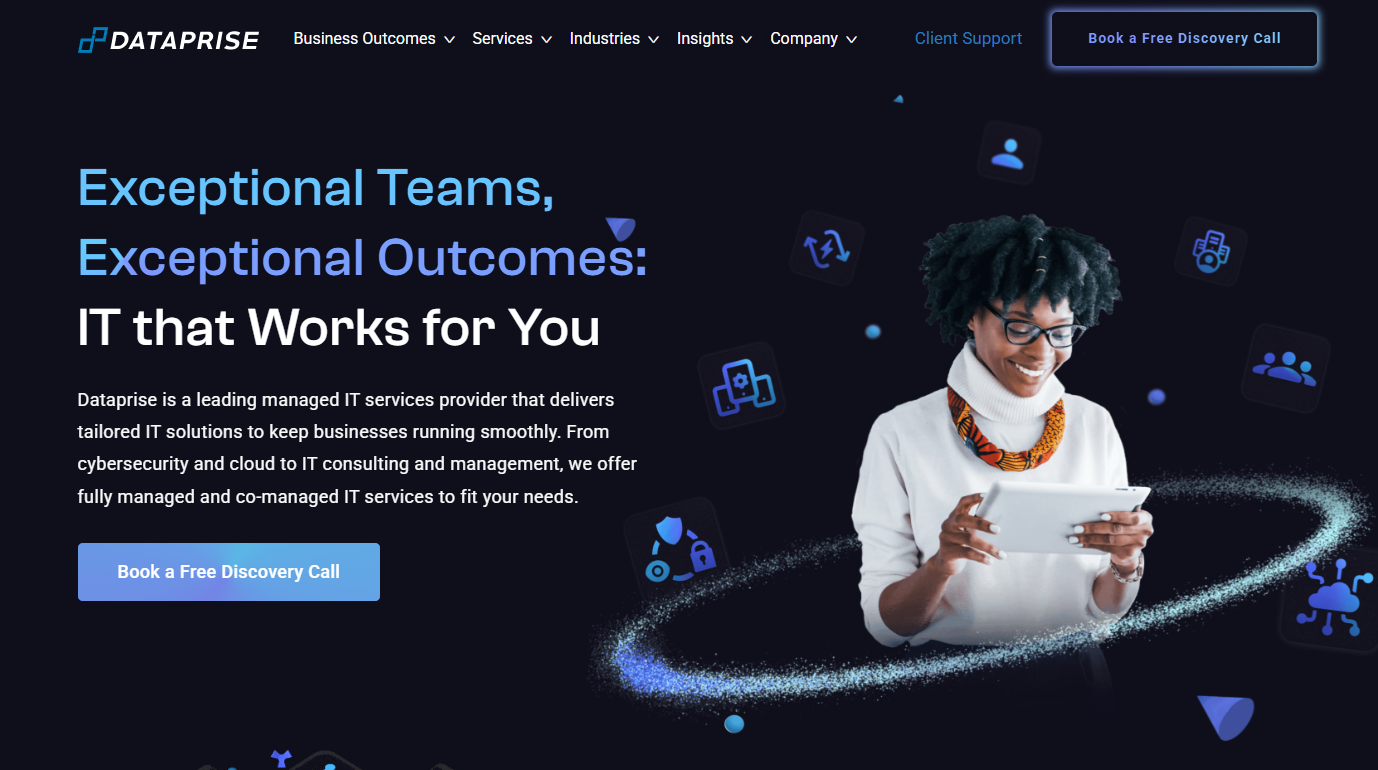
Dataprise is one of the largest managed IT service providers in the U.S., with over 500 certified engineers and a broad portfolio of services. It offers end-to-end IT management, including:
- 24/7 help desk and end-user support
- Network and server administration
- Cybersecurity services
- Cloud migration
- Disaster recovery
- Mobility management
- Incident response
- Strategic IT consulting
They have specialized teams for different IT functions. So you get access to a deep bench of experts—whether you need a cloud architect to deploy Microsoft 365 or a cybersecurity analyst to monitor threats.
Dataprise can implement virtual desktop infrastructure or cloud environments that give employees secure access from anywhere. They also provide dedicated vCIO (virtual CIO) guidance, helping develop IT roadmaps that accommodate remote growth.
Pros:
- Highly responsive when it comes to 24/7 helpdesk support
- Features a range of subject matter experts to deal with anything you throw at them
Cons:
- Dataprise is a U.S.-centric company, which can be a problem for companies with their workforce in other regions
- Some user reviews highlight that they find the platform expensive
2. Electric AI
Source: Electric AI
Electric AI is a modern, cloud-native managed IT services provider purpose-built for small- to mid-sized businesses with remote or hybrid workforces.
While it’s best known for its real-time IT support via Slack and Microsoft Teams, Electric also provides comprehensive:
- Endpoint management
- Security enforcement
- SaaS administration
- Onboarding/offboarding workflows
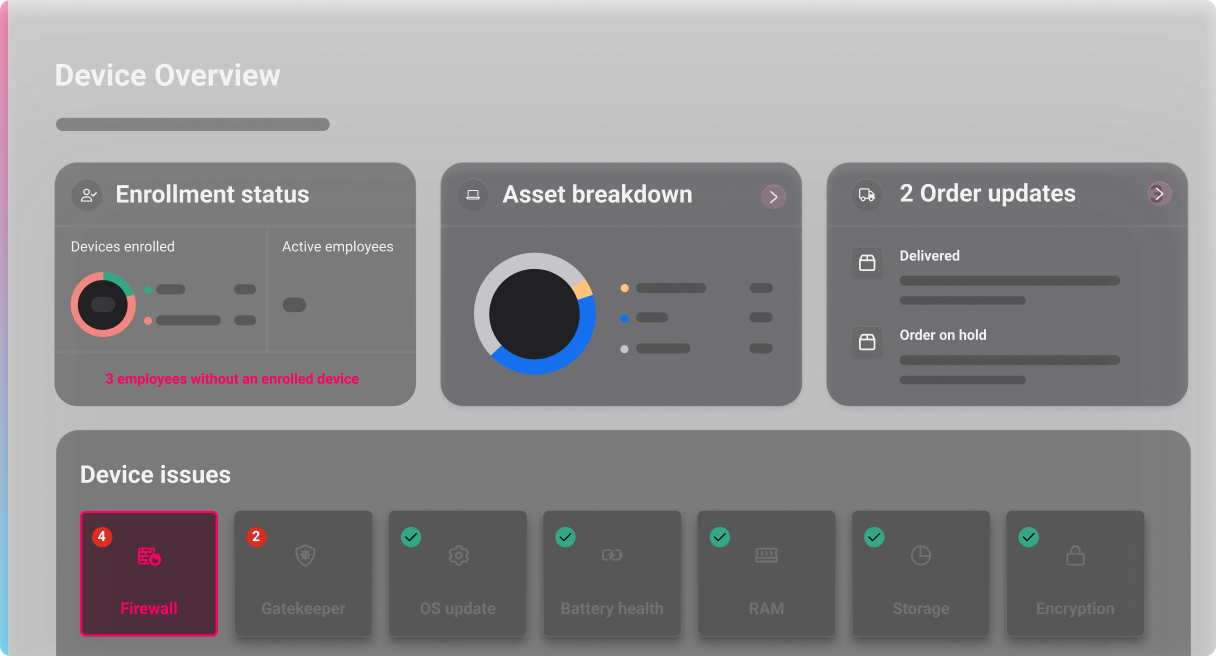
Electric’s core value lies in its ability to embed IT support and management directly into the daily workflows of remote teams. Employees can get instant IT help inside Slack or Teams, while IT admins gain access to a centralized dashboard that shows:
- Real-time device health
- Compliance status
- Employee onboarding/offboarding progress
Pros:
- Fast on-time support that saves you from downtimes
- Easy to use
- Helps manage tasks and meet SLAs
Cons:
- Users say the mobile app is clunky and lacks functionality
- Multiple reviews say Electric AI did not fulfill its commitments.
- A limited number of recent user reviews raises questions about the platform’s adoption rate.
3. All Covered
Source: All Covered
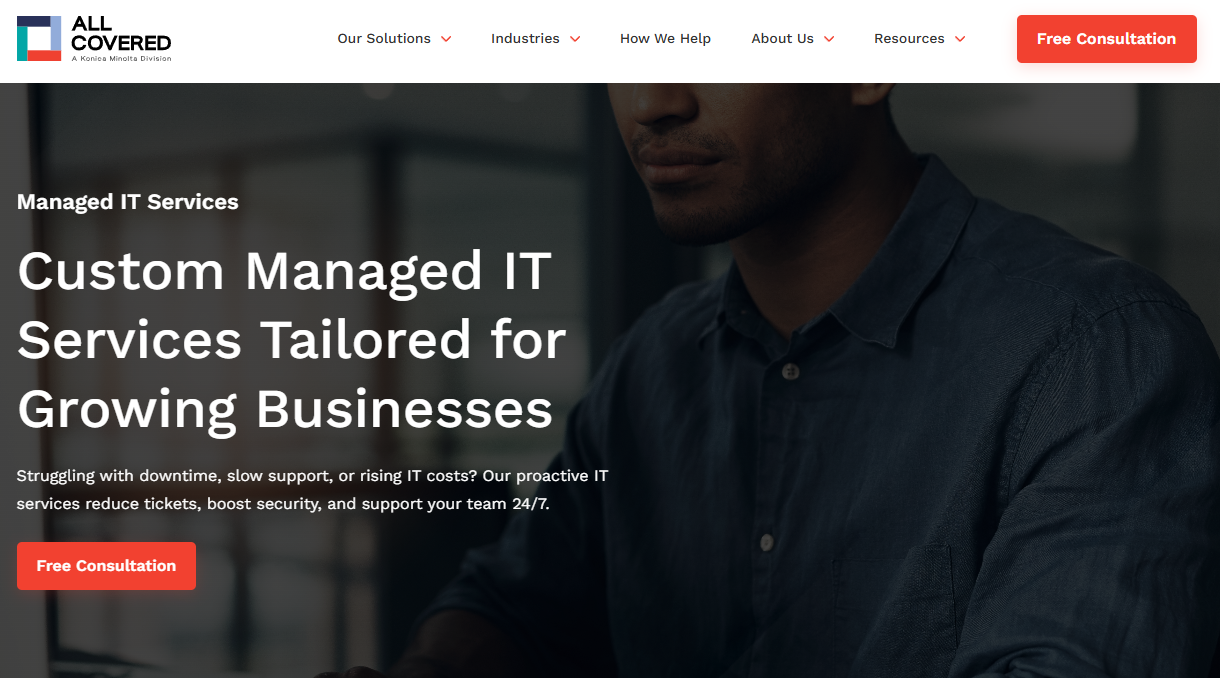
All Covered is the IT services division of Konica Minolta, which operates as a leading nationwide MSP for small to mid-sized businesses. They have offices and staff across the U.S. and offer a wide range of services:
- Managed IT support
- Cloud services
- Cybersecurity
- Data backup
- Workstation services
- Application and network management
All Covered’s broad coverage means your company, with distributed offices and remote workers, can rely on one provider for consistent service everywhere.
They provide a 24/7 help desk and on-call support, so remote employees can always reach a technician. All Covered also has a local presence in many regions, so if an issue cannot be solved remotely, they can dispatch a technician on-site relatively quickly.
Pros:
- Offers both on-site and remote support.
- Vast range of services, ideal for companies operating within America
- Has an impressive client base that includes Cisco, Fortinet, Microsoft, Apple, and more.
Cons:
- According to some older reviews, All Covered’s service experience may vary with locations.
- Very limited information available on 3rd party review sites, which makes it hard to get the true picture of this solution
4. Ntiva
Source: Ntiva
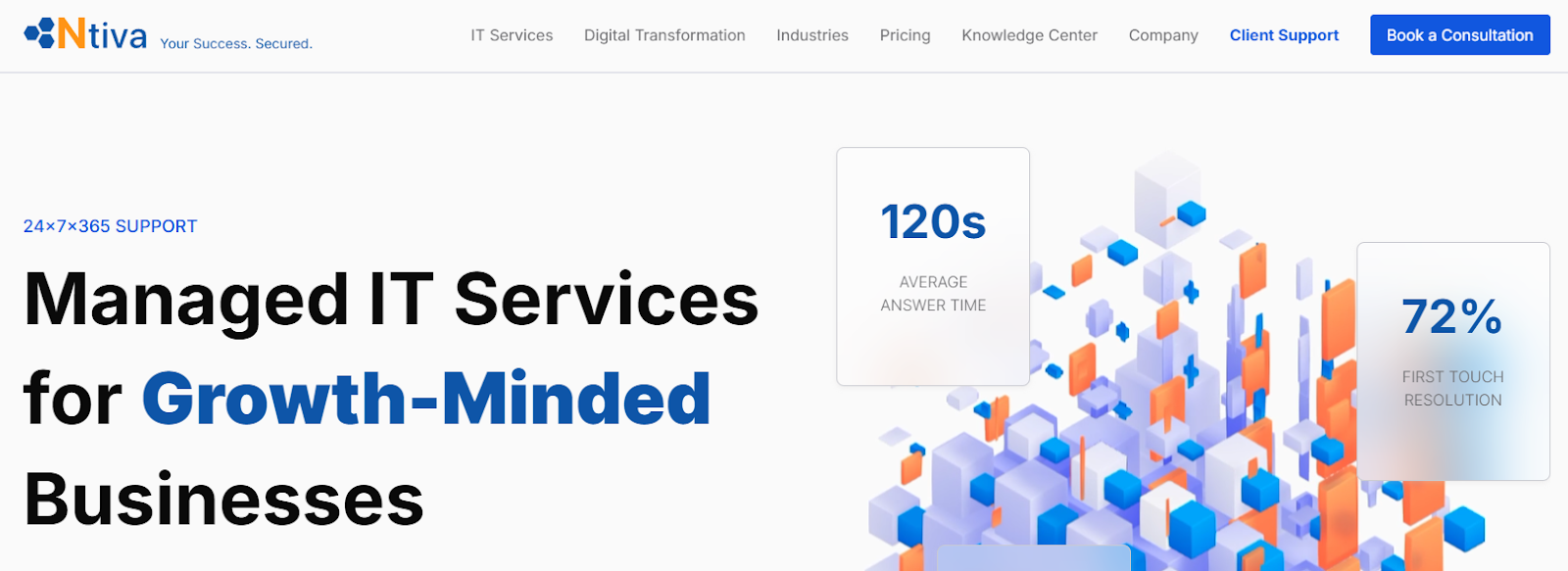
Ntiva is a U.S.-based managed IT services provider that serves thousands of small and mid-sized enterprises. Their offerings cover the spectrum:
- Managed IT Help Desk
- Remote IT Support
- Managed IT On-Site Support
- Server & Computer Management
- Network Monitoring and Management
- Backup & Disaster Recovery
- Managed IT Procurement
- Employee On-boarding & Off-boarding
- Microsoft Technology
- Apple Technology
- Co-Managed IT Services
- Managed Cybersecurity Services
Ntiva brings a blend of personalized support and security know-how that can be very reassuring. Their 24/7 help desk ensures remote staff can always reach a real, English-speaking technician quickly, minimizing disruptions.
Their experience with compliance enables them to implement policies and tools that keep remote devices and data secure per industry standards.
Ntiva also provides vCIO services and quarterly business reviews to align technology with business goals. So, if you’re transitioning more of your workforce to remote work, they’ll help plan the infrastructure in a way that supports that shift.
Pros:
- Responsive U.S.-based support with 700+ qualified experts
- Strong reputation for cybersecurity capabilities
- One-stop MSP solution for small- to medium-sized businesses
Cons:
- Not ideal for an organization that needs global support
- Might not scale well for enterprises
5. Navisite
Source: Navisite
Navisite is a well-established managed cloud and IT services provider that focuses on enterprise digital transformation. They offer a wide range of services, including managed:
- Cloud (across AWS, Azure, Google)
- Infrastructure and application management
- Database services
- Data center and hosting
- Cybersecurity services
- IT consulting
This MSP is ideal for companies that are a bit larger or more complex and need a scalable, globally capable partner to manage their IT backbone while supporting remote employees.
For instance, Navisite can set up secure virtual desktop environments or cloud workspaces that thousands of remote workers can use, and then manage those systems end-to-end.
Unlike some providers that operate only in one country, Navisite has teams and data centers worldwide. This means your remote staff in Europe or Asia get comparable service to those in the U.S.
Pros:
- Unlike most MSPs, they have a global presence
- Can handle cloud and application management better than most MSPs
- Customer support is highly responsive
Cons:
- Not suited for smaller businesses
- Considering the range of features it offers, Navisite can be complex to use
Workwize: A Game-Changer in Managed IT Services for Remote Teams
Source: Workwize
Most MSPs help you manage the digital support side of IT operations, which typically includes IT support, monitoring, cloud services management, and compliance.
This leaves a huge gap for remote companies with highly distributed workforces: physical logistics management, i.e., procuring the assets, shipping them, managing them remotely, retrieving, and finally disposing them.
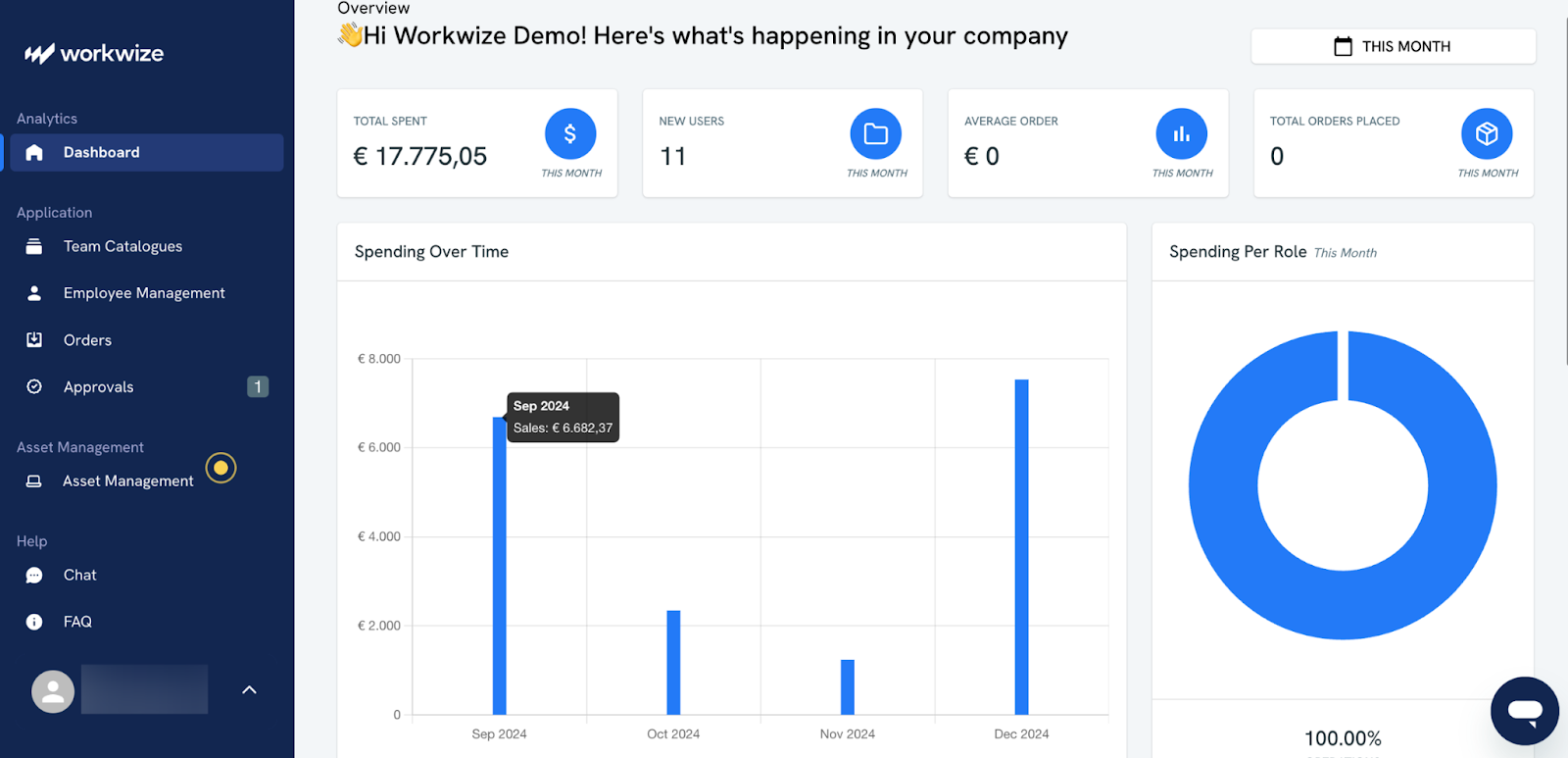
That’s where Workwize comes in. Workwize is a specialized platform focused on the hardware side of remote IT management. It’s an all-in-one global equipment platform that enables you to procure, deploy, track, and retrieve IT and office equipment for remote employees in 100+ countries.
Here are some key highlights of Workwize:
- End-to-End IT Lifecycle Automation: From procurement, deployment, and management to final retrieval and secure disposal, Workwize automates every step of the IT asset lifecycle.
- Seamless HRIS, MDM & ITSM Integration: You can plug Workwize into your HR and IT stack to eliminate manual tasks and enable zero-touch onboarding and offboarding workflows.
- Real-Time Visibility & Control: Track every device—who has it, where it is, and what condition it’s in—from a single dashboard. No more spreadsheets, blind spots, or fragmented vendor relationships
Best For: Companies with distributed teams needing a comprehensive asset management solution to streamline and automate both aspects of asset management:
- Digital: device compliance, MDM enrollment, and software access control
- Physical: sourcing, shipping, retrieval, and tracking of hardware
HighLevel utilizes Workwize to automate processes such as procurement, deployment, retrieval, and disposal, resulting in an annual savings of $1.4 million.
To see Workwize in action, book a demo now.
Evaluation Criteria for Choosing the Right Remote IT Managed Service Provider
Consider these evaluation criteria to choose the right provider of managed IT services for remote teams:
|
Evaluation Criteria |
What to Look For |
Questions to Ask the Vendor |
|
Experience & Expertise |
Industry experience and certified technicians (e.g., Microsoft, Cisco). |
“Have you worked with companies like ours?”“What certifications do your techs hold?” |
|
SLAs & Transparency |
Clear SLAs, uptime guarantees, and real-time performance visibility. |
“What are your response/resolution SLAs?”“Do we get access to live reporting?” |
|
Security Standards |
Strong security practices (e.g., encryption, MFA, Zero Trust) and compliance readiness. |
“What security frameworks do you follow?”“How do you handle sensitive data?” |
|
Toolset & Integrations |
Compatibility with existing tools (e.g., Google Workspace, Azure AD); automation support. |
“Do you integrate with our current stack?”“Any automation or self-service tools?” |
|
Onboarding & Support Tiers |
Structured onboarding and tiered support options, ideally with dedicated account managers. |
“What does onboarding look like?”“Will we have a dedicated point of contact?” |
|
Availability & Escalation |
24/7 multi-channel support and defined escalation process. |
“How can users reach support?”“How are urgent issues escalated?” |
|
Reporting & Insights |
Regular performance reports, with actionable recommendations and dashboard access. |
“How often do we get reports?”“Can reporting be customized to our needs?” |
There you have it; a detailed evaluation criterion to help you choose the best provider of managed IT services for remote teams. However, if you still need a shortcut, here’s our take:
For instance:
- If you’re scaling internationally with minimal internal IT, and want to streamline the physical (sourcing, shipping, retrieval, and tracking of hardware) and digital aspects (device compliance, MDM enrollment, and software access control) of asset management, you need Workwize.

- If you’re a 100-person company mainly needing responsive support and basic device management, Electric could be a fit.

Mayank Wadhwa

Establish a single source of truth for every IT asset across the globe.
.png?width=258&height=318&name=g10%20(5).png)
More related resources to help you stop firefighting hardware operations.
![Atomicwork Review: Features, Review and More [2026]](https://www.goworkwize.com/hs-fs/hubfs/Atomicwork.png?width=360&height=200&name=Atomicwork.png)

Get monthly insights into how other IT leaders are improving their ops.



.png?width=2880&height=1232&name=Group%202147262874%20(1).png)
Stop coordinating
hardware like it's 2012.
.svg)
.svg)
.svg)
.svg)
.svg)