




.svg)
.svg)

.svg)


.svg)





.svg)
.png?width=500&height=424&name=Style-1---V1-(1).png)

.png?width=320&height=320&name=7%20Lansweeper%20Alternatives%20To%20Manage%20IT%20Assets%20%20(1).png)
.png?width=1230&height=692&name=Vector%20(13).png)
6 Best Vendors for IT Asset Lifecycle Management

It's Friday afternoon, and everyone’s eager to wrap up for the weekend. Just as you’re about to clock out, you get a message—another laptop is missing, and your asset tracking tool has left you in the dark…again.
Sounds familiar?
That’s the struggle with a lot of IT asset lifecycle management (ITALM) tools out there. They promise “comprehensive lifecycle oversight” but often end up creating more gaps than they fill.
IT managers, admins, and ops teams everywhere are on the hunt for that elusive “all-in-one” ITALM solution. Something that not only tracks assets from the moment they’re acquired but also ensures smooth handoffs, secure disposals, and seamless integration with the rest of your tech stack.
After extensive testing, we’ve picked five best ITALM vendors out there. Find out all about them in this article.
-
ITALM vendors are essential for tools that track and manage assets from acquisition to disposal, but most solutions fail to provide enough oversight.
-
Key features to look for in an ITALM solution include comprehensive asset tracking, lifecycle management automation, data security and compliance, a user-friendly interface with proper reporting, and reliable vendor support.
-
The solutions we picked offer features such as global IT asset management, zero-touch deployment, remote workforce management, and open-source device management.
-
Workwize, Deel IT and GroWrk have the widest global reach, serving over 100+ countries each.
-
Esevel focuses primarily on the APAC region, while Allwhere has a strong presence in the Americas, Europe, and Oceania.
-
Fleet is a relatively lesser-known entrant but is equally capable.
What to Look for in an IT Asset Lifecycle Management Solution?
Your ITALM solution makes or breaks the efficiency of your IT asset management strategy.
You’re not just looking for a tool that catalogs assets; you want one that sees the entire lifecycle, from acquisition to disposal, and gives you a grip over each phase.
It’s a common issue with IT managers and admins—finding a solution that ticks all the boxes.

A Redditor trying to find an ITALM of choice Via Reddit
Comprehensive asset tracking
Look for a solution that lets you view your assets in real-time, whether on-premises or remotely. This is necessary in remote work environments with widely distributed laptops and other devices.
Every asset should have a profile with specifications, warranty status, location, and maintenance history. Barcode or RFID scanning solutions are ideal for automating the data entry process.
⚡Pro tip: Ensure the solution integrates smoothly with your existing ITSM or ERP systems. You’ll depend on this integration when IT services change to receive automatic updates.
Lifecycle management automation
Automated reminders for renewal dates, maintenance schedules, or decommissioning saves your team endless time. Having smart notifications and triggered workflows adds immense value here.
You also want the tool to monitor and alert you when assets approach EOL. Whether it’s decommissioning laptops or wiping data before disposal, the solution should handle it.
Ensure the software includes provisioning for new assets and reclamation when assets are returned for smoother onboarding and offboarding.
Data security and compliance
Regulatory compliance often requires secure data wiping before disposal. Ensure the solution you pick provides certified data erasure and documentation for audit trails. Check if the tool offers regular compliance checks. Depending on your industry, look for compatibility with standards like GDPR, HIPAA, or SOC 2.
⚡Pro-tip: Remote wiping and locking are a must for organizations with remote or hybrid work models because devices are likely to be lost or stolen.
User-friendly interface with granular reporting
An ideal ITALM solution should be easy for IT staff and non-tech managers to navigate. Look for clean, customizable dashboards highlighting KPIs like asset health, status, and usage.
A good solution will not just give you canned reports; it will let you tailor reports and analytics. You will want insights into lifecycle costs, usage trends, and performance analytics to make informed decisions.
Access management should let you define and restrict access based on user roles. This is key for security and keeping reports clean and relevant to each team.

Support and vendor reliability
Check the provider’s updated schedule. Regular patches mean better security and alignment with the latest technology. A vendor with 24/7 support is a huge plus. You want fast answers to issues that can stall your IT operations.
⚡Pro-tip: If possible, land on a solution with strong user reviews on reputable sites like G2 and Capterra. A vendor with a solid track record often means fewer headaches down the road
Best IT Asset Lifecycle Management Tools
|
Solution |
Ideal for |
Availability |
Countries served |
Office furniture procurement and management |
|
Workwize |
Companies with 200-5000 FTEs and global teams. |
Global |
130+ |
Yes |
|
Deel IT [Hofy] |
Companies needing global IT asset management with payroll and compliance platform. |
Global |
127+ |
No |
|
Allwhere |
Distributed teams requiring zero-touch IT asset management and procurement |
Americas, Europe, Australia, New Zealand |
Multiple regions (exact number not specified) |
Yes |
|
GroWrk |
Companies focused on remote workforce management and device procurement |
Global |
150+ |
Yes |
|
Esevel |
Small to medium-sized businesses in APAC needing IT management and procurement services |
APAC region |
8 countries in APAC |
No |
|
Fleet |
Security-conscious companies needing open-source device management solutions |
Global (self-hosted or cloud-based) |
Global reach depending on the setup |
Yes |
1. Workwize
Workwize is a zero-touch IT hardware lifecycle management platform built for global teams.
As an IT procurement management tool, it offers a sleek interface for procuring, deploying, managing, retrieving, and disposing devices from one centralized platform.
Covering 130+ countries, Workwize reduces the need for multiple vendors and software to manage different aspects of your IT.
Workwize key features:
- Purchase or lease a variety of hardware products from international suppliers via the Workwize platform, or work with your local suppliers if you prefer.
- Get IT equipment and accessories delivered globally within 5-7 business days, whether for remote workers, headquarters, satellite offices, or warehouses.
- Select from ready-made starter kits or branded welcome packages, or let employees choose their own IT gear, furniture, or company swag.
- Effortlessly track and manage assets with real-time location updates through a track-and-trace link, ensuring full inventory visibility.
- Customize hardware orders with CTO models for extra storage or RAM, or choose local keyboard layouts when placing orders.
With Workwize, you can send out hardware that's perfectly tailored to your needs. Deliver fully set-up, MDM-enrolled devices right to your employees with user accounts, permissions, and settings all set up. Plus, you’ll have a clear, centralized view of who’s got what, making it a breeze to swap out any faulty or damaged gear.
-
Keep detailed records for each asset, including user info, value, depreciation status, and whether it’s new or refurbished.
-
Offer employees a self-service portal to request items, repairs, or maintenance, with a chatbot for quick assistance.
-
Easily integrate with your HRIS, MDM, Slack, or Monday to simplify employee transitions.
-
Automatically lock accounts when employees depart, arrange for equipment retrieval, and securely wipe device data.
Zero-touch IT Equipment Retrieval
Easily retrieve assets from over 100 countries with Workwize, featuring:
-
Coordinate seamless pickups through multi-channel communication with employees. ‘
-
Ensure 100% secure asset transportation with global logistics.
-
Guarantee secure data removal during device disposal for enhanced protection.
-
Track your assets in real-time during shipment and transit.
-
Redeploy used assets efficiently for new hires.
-
One-click equipment retrievals.
Workwize facilitates eco-friendly disposal or donation of end-of-life assets, ensuring compliance with local regulations. You also receive a certificate of data destruction for full compliance.
Workwize pros
-
Offers reliable, 24 x7 support for equipment-related issues
-
Coverage in 130+ countries
-
Wide range of hardware assets to pick from
-
Transparent pricing
Workwize pricing
Custom pricing.
2. Deel IT [Previously Hofy]

Deel IT provides end-to-end lifecycle management for IT assets, covering every stage from procurement to retrieval. It is a popular choice for businesses to remotely track, support, and manage assets globally from one unified platform.
Your usual set of asset tracking features are all here. Deel IT also tracks lifecycle records—repairs and replacement history—for all assets. Plus, automatic movement updates save your IT team hours of work by updating your asset register as asset status changes.
The platform also caters to the needs of remote teams. You get consistent hardware support across all time zones and regions, in-platform issue reporting, and entirely reconfiguring device redelivery post-repairs. The cherry on top is that you don’t need to worry about logistics in a repair order; Hofy takes care of it.
Key features:
-
Deploy software, install critical updates, and enforce security policies across your IT asset fleet from a single dashboard.
-
Manage devices from multiple OS families—Windows, macOS, Linux, Android, and iOS—from the same platform.
-
Enable Hofy’s own MDM solution to remotely lock or wipe devices and manage remote devices.
Pros
-
The platform provides commendable customer support with dedicated support reps.
-
Users praise Hofy for its ‘unmatched’ ease of use and logistics.
Cons
-
The platform is comparatively more expensive.
-
It could benefit from a more extensive selection of products.
Pricing
-
Custom pricing
3. Allwhere
Via Allwhere
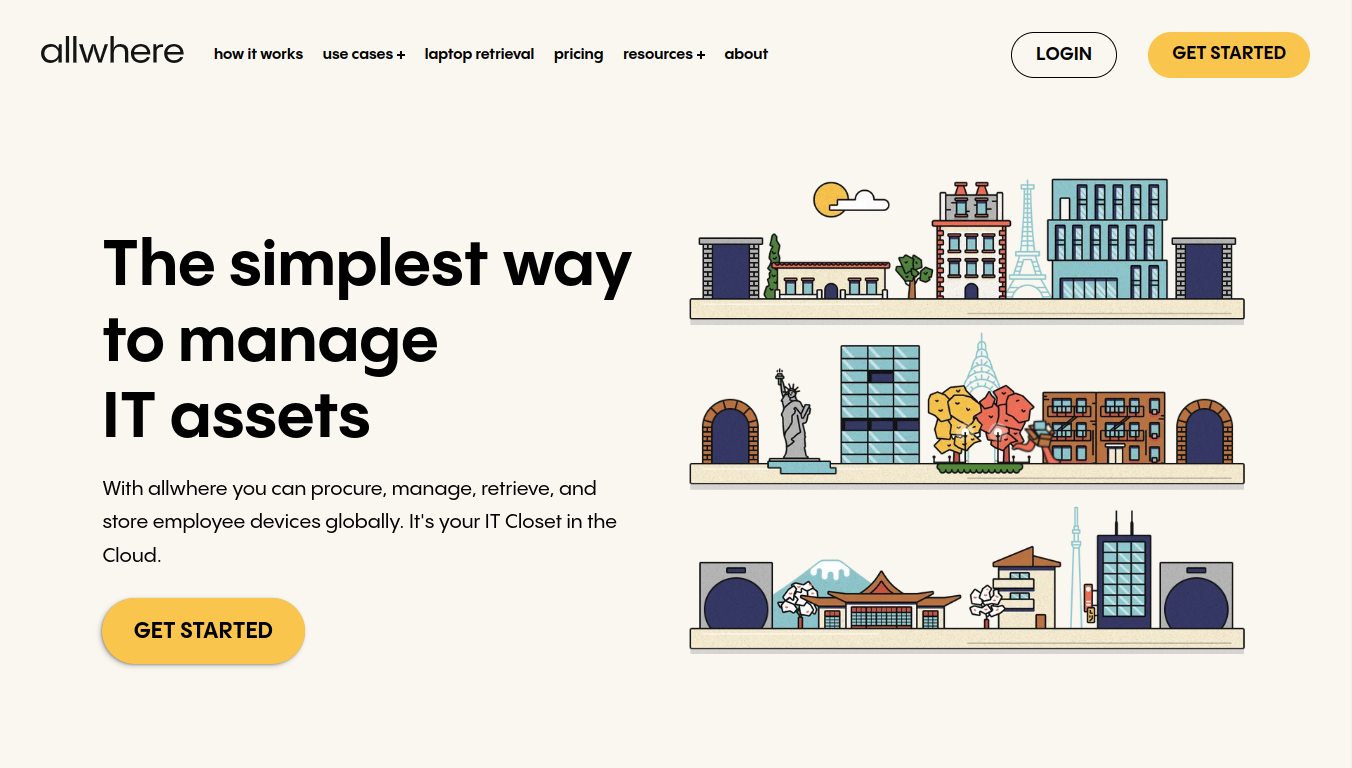
Allwhere is better suited for distributed teams as it is optimized for zero-touch asset management. This means you can securely configure all organizational devices quickly for a smooth onboarding since it supports your existing MDM.
Allwhere promises to increase the efficiency and ROI of your devices. How? By allowing you to see and manage everything in an easy-to-use dashboard. It is also highly scalable—whether you are a team of 50 or 5,000, you’ll have control of your entire organizational asset ecosystem.
The platform syncs your existing IT inventory and lets you order new devices from a customized catalog. Once assets are deployed, you can see all devices across employees, locations, in transit, storage, etc.
Key features:
- Support the entire employee lifecycle—keep track of device purchases, upgrade reminders, repair options, deployments, and retrievals.
- Automate onboarding and onboarding by effortlessly integrating with top HR, IT, and Identity apps like BambooHR, Workday, and Justworks.
- Deploy new assets overnight and retrieve hardware that has reached the end of usable life globally.
Pros
- It bundles a useful customer portal that provides full clarity and transparency of the hardware in stock, in transit, and of those procured by employees. (source)
- It saves considerable time and money compared to traditional services like FedEx and UPS. (source)
Cons
- The recent price increases haven’t been welcomed positively by users. (source)
- The platform needs to simplify some UI elements and improve navigation. (source)
Pricing
- Custom pricing
4. GroWrk
Via GroWrk
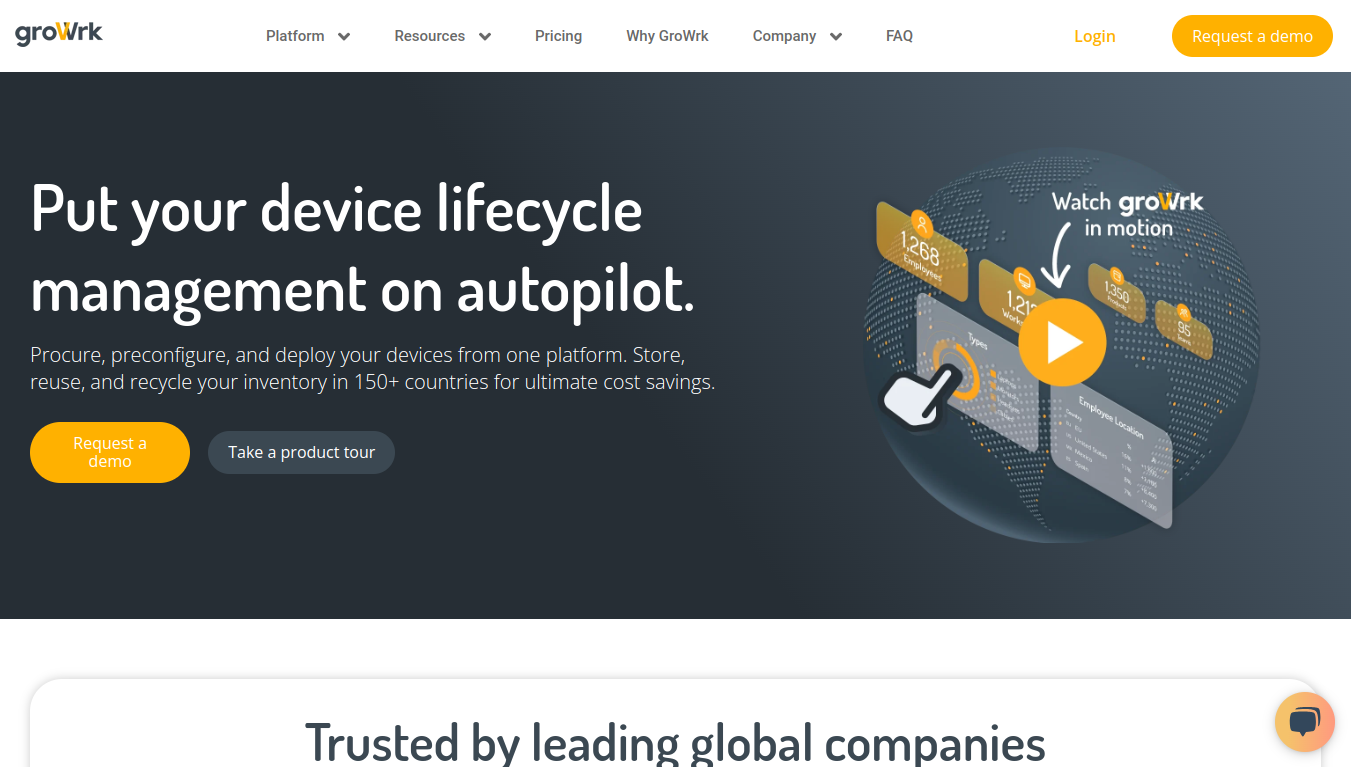
If you’re looking for an ITALM solution that takes care of everything—from procurement to disposal—GroWrk deserves your attention. It is an asset lifecycle management solution that unifies the procurement, configuration, deployment, and disposal of devices in over 150 countries.
Plus, streamlined storage, reuse, and recycling of your IT inventory? It’s rare to have all that together. Add to that around 40 ready-to-use integrations, plus a customizable API to build and configure personalized workflows.
Other offerings include imaging, MDM, and identity management features and support for zero-touch deployment, remote access, and SSO for Windows, macOS, and Linux workstations.
Key features:
- Provide access to certified resellers and simplify the process of topping up and storing your inventory worldwide.
- Easily configure your assets with software and security requirements before they are sent to employees with the built-in MDM.
- Monitor the health of all IT assets throughout their lifecycle, with dynamic status dashboards, and analytics.
Pros
- GroWrk gives you a sleek, modern, and easy-to-use interface. (source)
- Their services are available almost all over the world.
Cons
- You don’t get a free trial with the platform for testing it out before purchasing. (source)
- The subscription-only model might not fit all organizations. (source)
Pricing
- Custom pricing
5. Esevel
Via Esevel
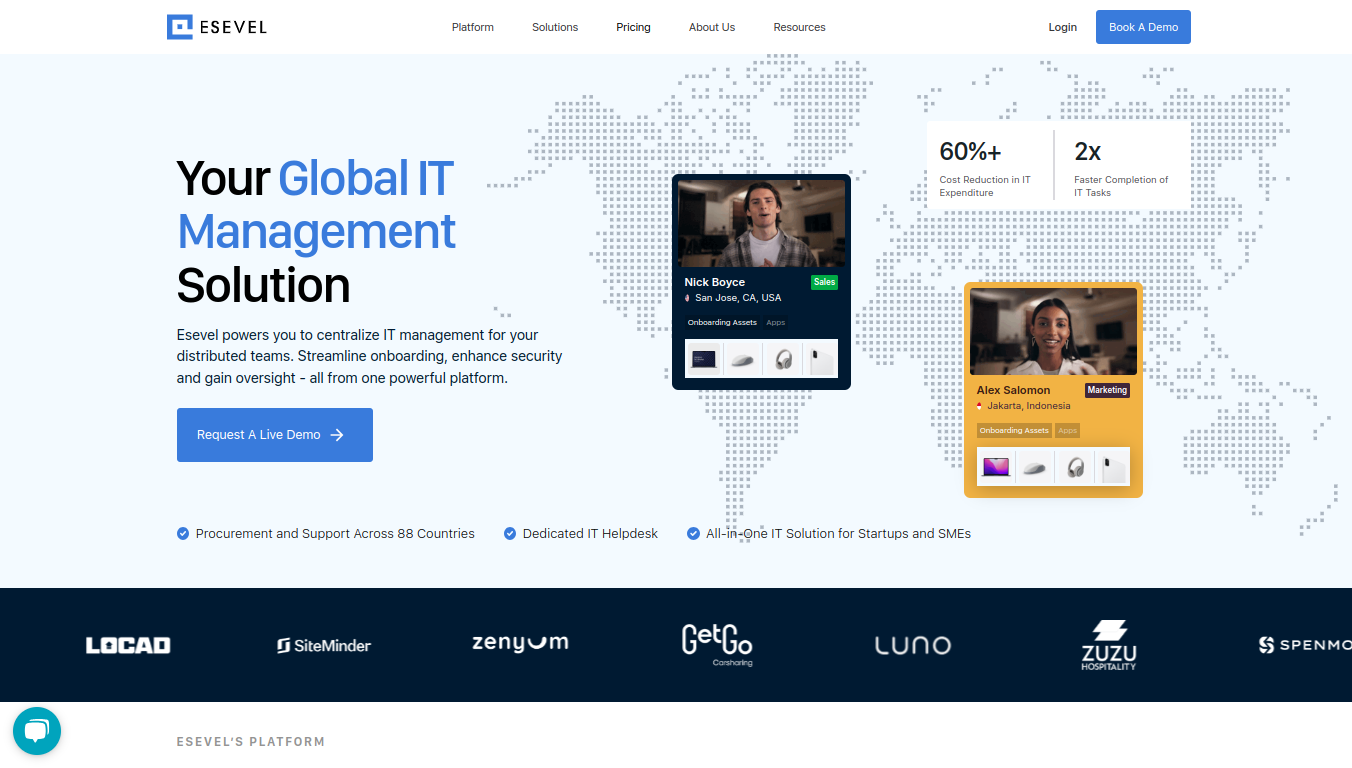
Next up is Esevel, a solution for managing IT across global, distributed teams. It has all the asset lifecycle necessities—onboarding, asset health, security tracking, and more—wrapped up in one streamlined platform that you can oversee from anywhere.
Esevel also helps you keep tabs on your entire device fleet across 88 countries with easy device procurement, dedicated support, and a 24/5 helpdesk ready when you need it.
Where Esevel shines is in simplifying your device management. It pulls together your entire inventory into one view, giving you real-time insights to keep everything running smoothly.
Plus, it supports automated device provisioning and de-provisioning processes for maximum time savings.
Key features:
- Get detailed visibility and compliance monitoring by tracking metrics like battery life, app usage, and RAM.
- Provision and configure devices from anywhere instantly with remote configurations and custom preferences.
- Keep your IT ecosystem secure with SSO, MFA, and password management, and eliminate vulnerabilities with automated updates.
Pros
- Esevel simplifies the process of debugging endpoints so that deployments stay on track. (source)
- The configuration management system comes in handy to keep devices secure and keep them compliant with regulatory standards. (source)
Cons
- Package management with the platform is not as easy as it’s supposed to be. (source)
- The customization of reports needs some improvements. (source)
Pricing
- Custom Pricing
6. Fleet
Via Fleet
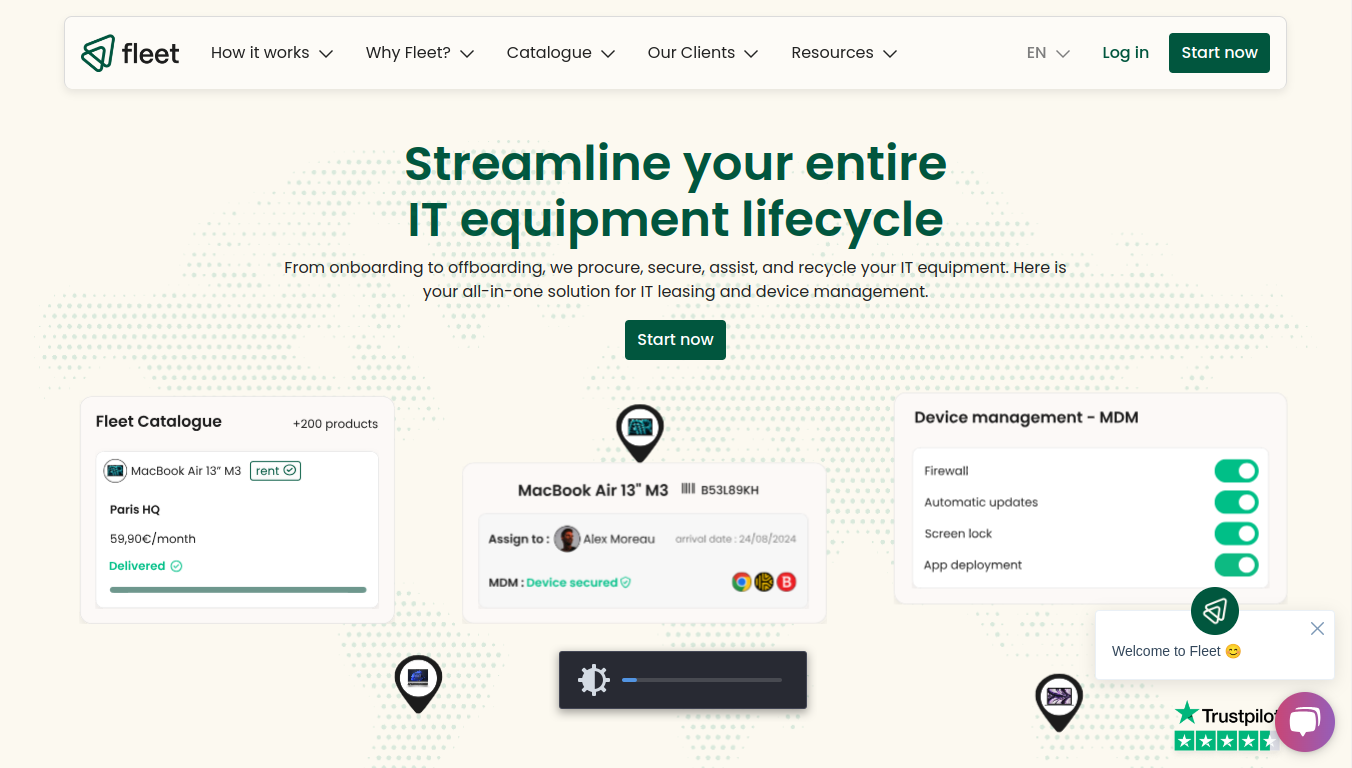
Fleet might not be as well known as others on this list, but that doesn’t mean it’s any less capable. It is a comprehensive device management solution that handles IT leasing, global IT procurement, asset tracking, support, security management, and more.
The platform excels at IT procurement—you can rent IT equipment and manage delivery logistics, and governance, all from the same platform. And unlike most ITALM solutions, Fleet doesn’t neglect support. Post-deployment, it handles global logistics, offers premium support, and provides damage insurance.
Fleet goes the extra mile and even offers office furniture and workplace items, beyond IT assets. Plus, there’s a built-in MDM solution that lets you remotely deploy, monitor, and manage devices across your organization.
Key features:
- Standardize and automate IT security best practices like automatic updates, uniform policies, and compliance enforcement across your entire device fleet.
- Integrate your software stack to create a unified and efficient IT environment with integrations for Google Workspace, Chrome, Monday, Zoom, and more.
- Enforce cybersecurity solutions across your device ecosystem with ISO 27001 and SOC 2-certified systems.
Pros
- On average, Fleet reduces the asset purchase time from two days a month to just around three hours. (source)
- The platform covers warranty, repairs, and computer loans in their entirety in the event of a breakdown. (source)
Cons
- The long list of features and capabilities might be too daunting for small teams and small businesses.
- Migrating to and from Fleet's platform and integrating it with your existing technology stack is complex because it manages your organization's entire asset ecosystem.
Pricing
- Custom pricing
Ease IT Hardware Lifecycle Management With Workwize
IT hardware management has never been glamorous work. But it's always been necessary.
When it breaks down, everyone feels it.
Workwize takes the part that eats the most time and causes the most friction — procurement, deployment, tracking, recovery — and makes it disappear into the background where it belongs.
The result is an IT team that finally has its hours back, and a workforce that gets what it needs without the wait.
Book a Workwize Demo now to see how to scale your ITALM.


Establish a single source of truth for every IT asset across the globe.
.png?width=258&height=318&name=g10%20(5).png)
More related resources to help you stop firefighting hardware operations.


Get monthly insights into how other IT leaders are improving their ops.



.png?width=2880&height=1232&name=Group%202147262874%20(1).png)
Stop coordinating
hardware like it's 2012.
.svg)
.png?width=172&height=68&name=apple%20business%20patner%20(1).png)
.svg)
.svg)
.svg)
.svg)