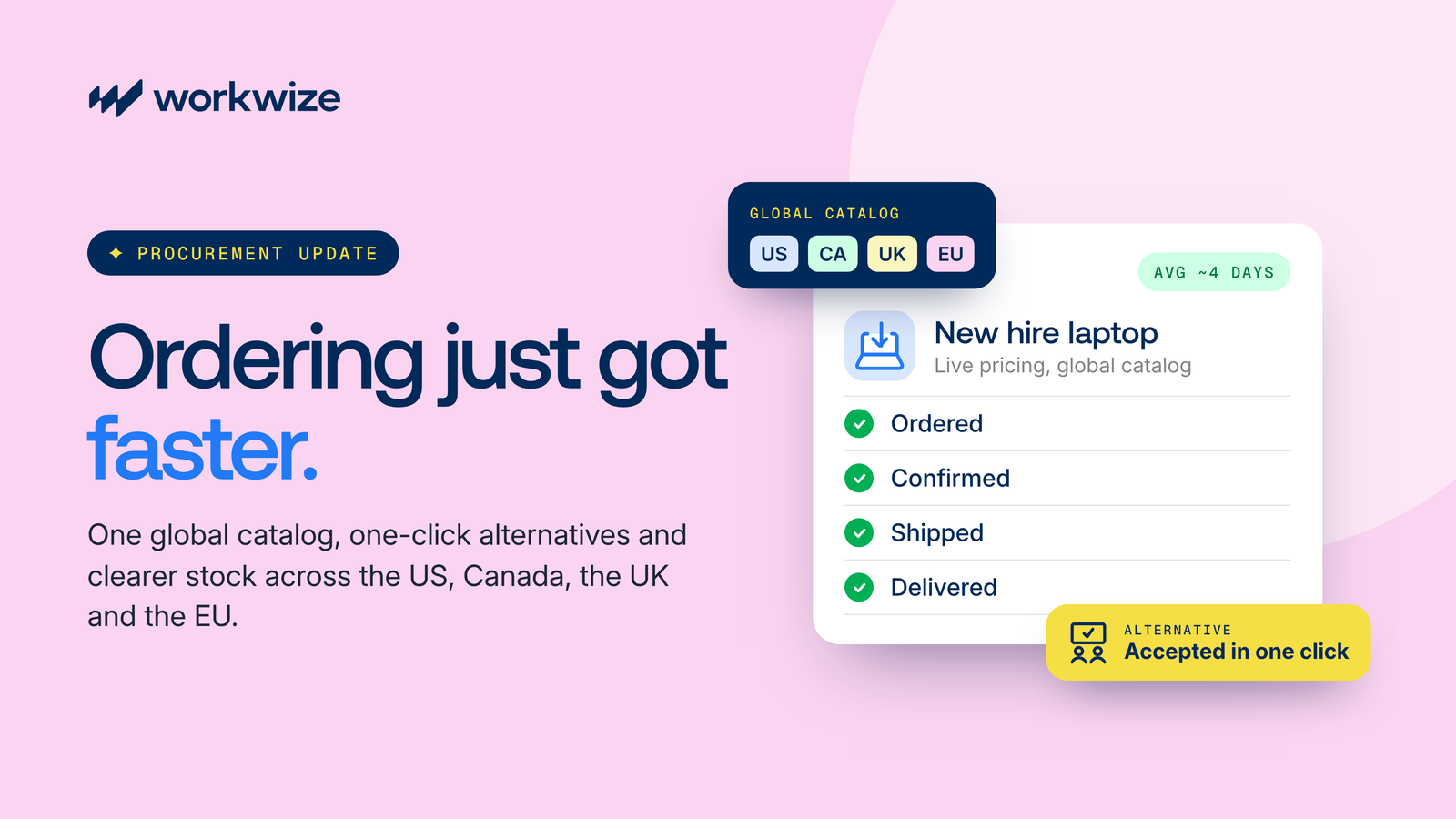






Manage IT Services for Your Argentina Team From One Platform



Supporting Employees in Argentina Still Requires Local IT Operations
A distributed company can hire in Argentina without opening an office or building an internal IT team there. However, hardware is the exception. Delivery, setup, repairs, and collections all need someone in the country to handle them.
The work itself is not the hard part. The trouble starts when each task runs through a different supplier, courier, or expense claim, and none of those records connect. IT ends up sourcing a provider after a device has already failed.
Remote coordination slows down IT requests
A hardware issue that takes minutes to resolve in an office can turn into days of email when the employee and IT team are in different countries. Repairs, replacements, and collections still require someone on the ground in Argentina.
Shipping from headquarters only solves the first delivery
Sending a laptop from your head office may cover the initial shipment. It does not solve the repair six months later or the collection when the employee leaves. Repeated cross-border shipments also mean more customs paperwork and more handoffs.
Multiple providers make device tracking harder
When device delivery, repairs, and returns are handled by different providers, your asset records can quickly fall out of sync with your HRIS and MDM, making it harder to know where each device is or what condition it is in.
Offboarding becomes a courier problem
When an employee leaves, someone has to arrange the pickup, send return instructions, follow up with the employee, and update the asset record. Repeat that process across multiple employees and offboarding becomes a collection of manual tasks with no consistent record.
Returned devices still need a destination
A recovered laptop may have plenty of useful life left. Without local data wiping, storage, and redeployment, companies may end up shipping working hardware out of Argentina or buying another device for the next hire.
The answer is not more local vendors. IT needs one operating model that connects work in Argentina to the same device lifecycle standards used across the rest of the company.
How Does It Work?
One platform for IT teams to manage the entire laptop lifecycle in Brazil, powered by automated workflows.
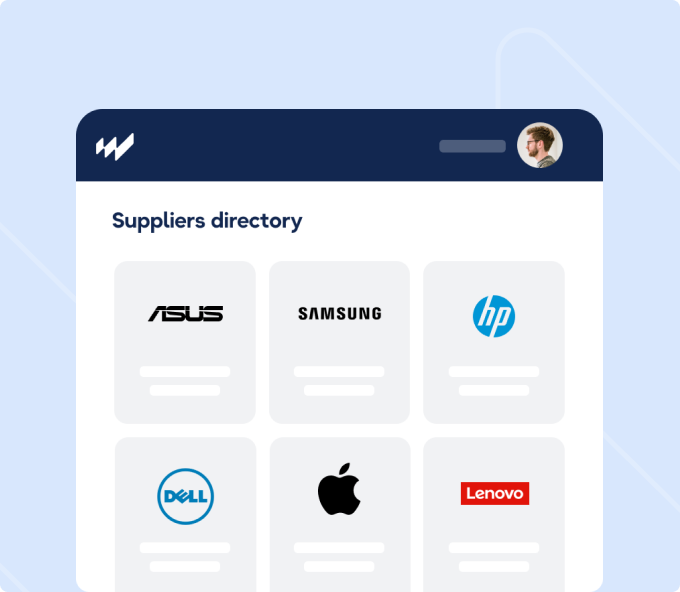
Outsource IT Procurement
Order approved laptops, monitors, and peripherals for employees in Argentina without setting up a separate supplier relationship for the market.
- Build region-specific device catalogs with approved models, pricing, and vendors
- Source through a local-to-local vendor network that avoids cross-border shipping and tariffs
- Route requests through automated approval flows based on department, budget, or role
- Let employees choose from approved options in a branded self-service portal
- Track orders in a procurement dashboard with vendor status and delivery timelines
- hip straight to a home address or an office, or stock a local warehouse for future hires
- Buy, rent, or lease, whichever suits the role. Workwize offers delivery in Argentina within 5 to 7 days.
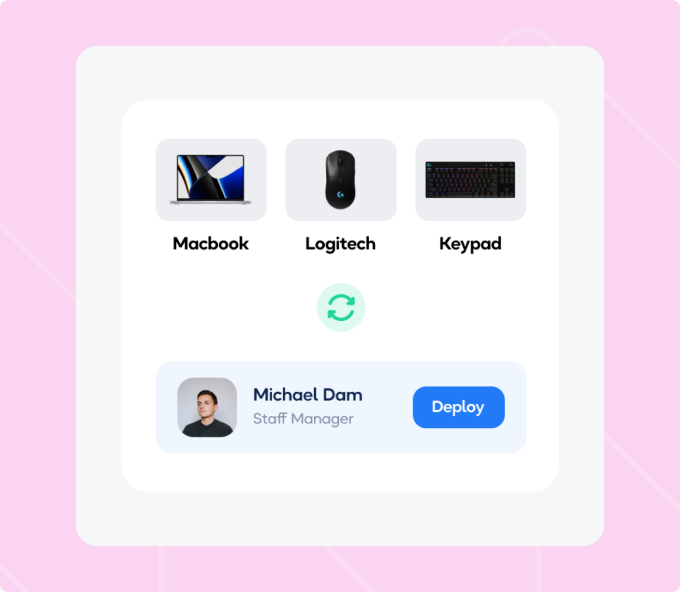
Outsource Asset Deployment
Prepare each device before it reaches the employee so Argentina-based hires get the same configuration standard as everyone else on the team.
- Apply pre-configured device profiles before shipment so hardware arrives ready
- Enroll devices into your MDM through auto-enrollment integrations on first boot, including Apple Business Manager and Windows Autopilot
- Trigger shipments automatically from HRIS events such as hires, moves, or role changes
- Assign the device to the employee in the central asset registry at the time of shipment
- Monitor shipped assets securely with track-and-trace and send automated delivery confirmations to the employee
- Handle faulty or outdated equipment in Argentina, from repair through replacement
- Specify the Spanish (Latin American) keyboard and the local power cord in the catalog itself
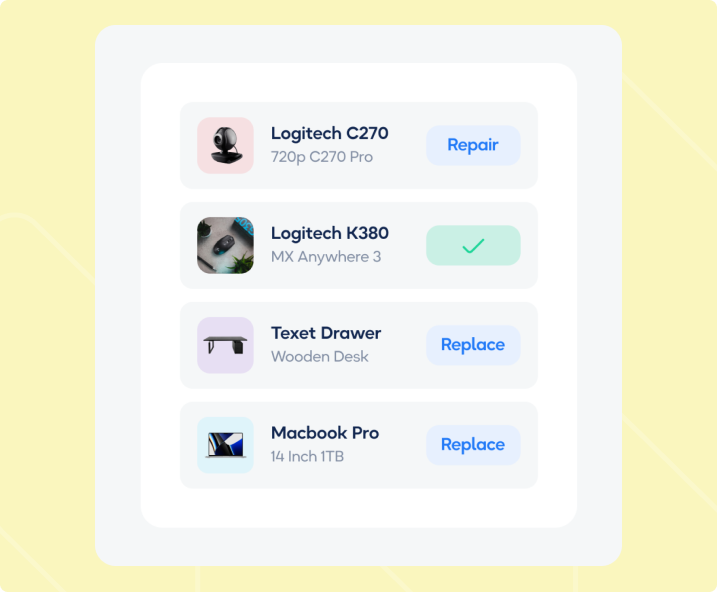
Outsource IT Asset Management
Workwize tracks every device in Argentina from the day it ships to the day it leaves the fleet. IT gets one record per device and one route for every repair request.
- Maintain a central asset registry with serial number, owner, location, and status
- Log every handoff, shipment, repair, and reassignment in a chain-of-custody timeline
- Let employees submit repair requests through the Workwize portal or the Slack integration
- Route in-warranty repairs to the manufacturer or an authorized repair partner, and out-of-warranty repairs through the Workwize repair network
- Control access with Single Sign-On and role-based permissions
- Sync HR data at onboarding, then lock devices through MDM at offboarding
- Track warranties and refresh cycles through automated lifecycle reminders
- Import the devices you already have in Argentina so old and new hardware share one record
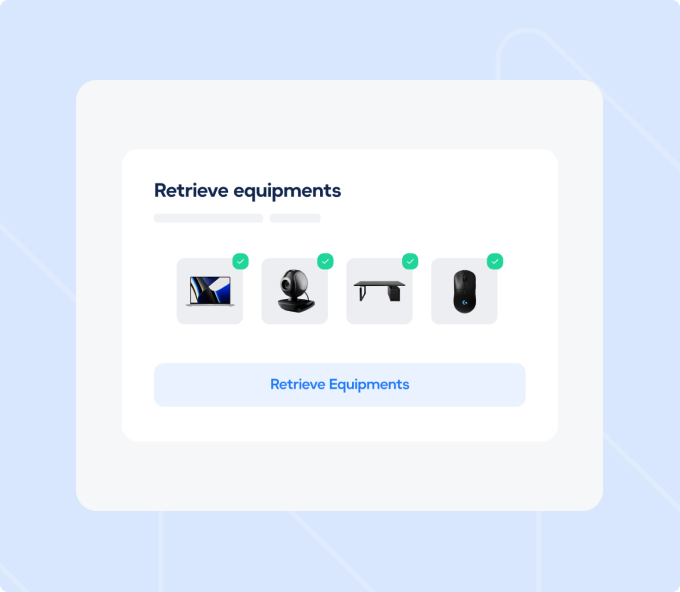
Outsource IT Equipment Retrieval
Recover company equipment when someone leaves without asking your IT team to arrange each collection from another time zone.
- Trigger automated retrieval workflows from HRIS offboarding events
- Generate return orders with prepaid shipping labels or schedule a courier pickup
- Reach employees through diverse communication channels like email, phone, or WhatsApp to arrange the return
- Free your IT team from packaging and logistics duties, with return materials supplied to the employee
- Send automated reminders and escalation messages until the device comes back
- Complete certified data erasure on every returned device before any reuse
- Access warehousing services covering storage, erasure, sanitation, and redeployment of IT assets
- Report on recovery rates and outstanding assets across the region
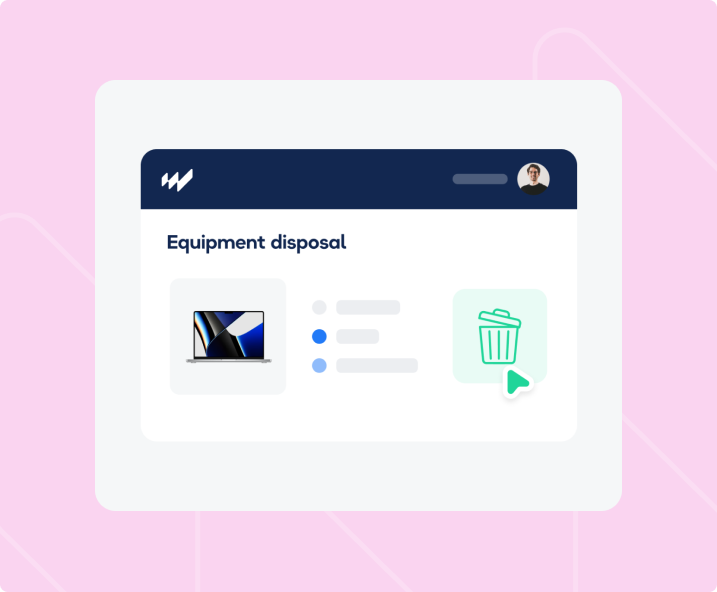
Outsource IT Asset Disposal
Route devices that can no longer be reused through a documented end-of-life process instead of leaving them in a drawer.
- Trigger automated data-wipe workflows before disposal or resale
- Refurbish and redeploy devices with life left in them before anything reaches disposal
- Evaluate and resell retired equipment through Workwize warehouses
- Route end-of-life devices to certified disposal partners under Argentine rules, with a destruction certificate stored in the platform for each one
- Keep a full audit trail from the last user through wipe to final disposal
Does This Sound Familiar?

You only look for support after something breaks
There is no repair provider ready in Argentina, so your team starts searching after an employee’s device has already failed and they cannot work.

You are managing several local vendors
Procurement, repairs, collections, and storage are handled by different providers, leaving IT to coordinate between contacts for every request.

You cannot see where each device is
Assignment details, repair updates, and vendor records live in different places, making it difficult to know whether a device is with an employee, a repair provider, or back in storage.
Offboarding still involves manual follow-up
Every departure requires your team to arrange a courier, send return instructions, follow up with the employee, and update the asset record.

Your process gets harder as you hire
What works for a handful of employees becomes difficult to manage as your Argentina team grows, with more devices to track and more requests for IT to coordinate.
How Workwize Solves These Challenges
Whether you support a few employees in Argentina or a growing distributed team, Workwize connects local hardware services to one centralized IT operation.

One platform across the lifecycle
Manage procurement, deployment, repairs, tracking, retrieval, and disposition without joining separate workflows together.
Local service coordination
Get the physical work done in Argentina without your IT team sourcing and managing a new provider for every request.
Centralized asset visibility
Keep device ownership, location, condition, and lifecycle status connected even when the service happens locally.
Integrations that automate onboarding
Connect Workwize with 80+ HRIS, MDM, IDP, and ITSM tools to trigger and coordinate device workflows.
Automated offboarding and retrieval
Turn a departure into a defined hardware-return workflow instead of a manual courier project.
Reuse before replacement
Route suitable returned devices toward storage, refurbishment, or redeployment where supported instead of buying new every time.
What our customers
say about us
Love Workwize!
It has been wonderful, I have enjoyed a lot of it. Using the site is super easy with not many problems associated and has overall relieved a lot of stress with onboarding offboarding that we experienced prior to using Workwize.

Jake S.
IT Analyst
Great service
Overall it's been great, from the nice initial demos and sales experience to onboarding. Initial orders did have some issues, but I felt looked after by the team there, and they were doing everything they could to help at every point.

Mark K.
Head Of IT and InfoSec
A Niche Company which meets our needs perfectly
Has been really good overall. We searched for a long time for a suitable solution and they were just the fit. Nice to see how they have grown in terms of size and service provisions and be part of it from the start. Super user-friendly platform.

Ilan B.
Benefits Team Leader
Global onboarding is easier. Managing IT logistics for global hires was very hard before. Workwize solved that for us. Now our new employees are ready on day one with everything they need to work comfortably.

Robert Jones
SR. IT Manager

We are already seeing fruits of our labor, since nearly all our new assets are now ordered via Workwize and IT Team has drastically reduced time which was wasted on procuring the assets and its setup.

Ana Lovsin
IT Operations Manager at Swapfiets
One Platform, Easy Pricing
Workwize customers report up to 70% less manual IT work and a 24x ROI.

Basic
What's included:
- Automated asset management
- 3 regions
- Single Sign-On (SSO)
- Monitor repair status in real-time.
- Pickup, storage, and shipping
- 100+ HRIS integrations
- Repair and replacement

Professional
What's included:
- Everything in Basic
- 5 regions
- Automatic offboarding
- Automatic deployment
- Automatic restocking
- Enhanced scalability

Enterprise
What's included:
- Everything in Professional
- Unlimited regions
- SCIM integration
- Public API for custom integrations
- Tailored onboarding and support

Quick Facts for Managing Outsourced IT Operations in Argentina
- Keyboard layout: Spanish (Latin American) QWERTY
- Power plug: Type I is the grounded standard, set by IRAM 2073. Type C sockets are also in common use.
- Voltage: 220V, 50Hz
- Tax and customs authority: Agencia de Recaudación y Control Aduanero (ARCA), which replaced AFIP in 2024
- Telecommunications equipment: ENACOM approves telecom equipment for sale in Argentina through RAMATEL registration.
- Data protection: Personal Data Protection Law 25.326, still in force while reform bills remain in Congress
- Data protection authority: Agencia de Acceso a la Información Pública (AAIP)
- Safety standards: IRAM standards apply per product type. Match the specific standard to the equipment rather than citing IRAM broadly.
- E-waste: No comprehensive national law. Provincial rules apply.