




.svg)
.svg)

.svg)


.svg)





.svg)
.png?width=500&height=424&name=Style-1---V1-(1).png)

-1.png?width=756&height=1456&name=USA%2c%20Canada%2c%20Mexico%20(1)-1.png)
The IT offboarding process started last Friday. Their laptop is still at their house.
Without Workwize's employee offboarding software, your hardware never gets back to you. Let's fix that.
.png?width=5120&height=2288&name=Frame%202147261809%20(3).png)

.svg)

.svg)

.svg)

How customers stopped losing hardware with our employee offboarding software.
.svg)
.png?width=88&height=88&name=Group%202147261402%20(2).png)
.svg)


Unreturned devices don't just cost money. They create compliance gaps.
.svg)
.svg)

Get every device back — automatically, in 130+ countries.
Trigger a retrieval the moment an employee is marked as departed in your HRIS. Workwize handles everything with our employee offboarding software — without IT lifting a finger.
- Automatically trigger retrieval workflows from your HRIS on departure.
- Send employees a prepaid return label with no manual IT coordination.
- Wipe and audit devices on return to ensure data security and compliance.
.png?width=695&height=690&name=Mask%20group%20(9).png)
.svg)
.png?width=44&height=44&name=Group%202147261402%20(1).png)
Employee offboarding software trusted by global IT teams across 120,000+ devices.
.svg)
.svg)
.svg)
From departure confirmed to device back in stock in 4 steps.
.svg)
Integrate with your HRIS.
- Trigger retrieval workflows the moment a departure is confirmed.
- Apply departure rules by employee type, location, or device category.
- Connect to MDM to remotely lock or wipe devices from the moment offboarding begins.
.svg)
Communicate with the departing employee automatically.
- Send branded retrieval instructions and a prepaid return label — no IT input needed.
- Remind employees automatically if return hasn't been initiated within your set window.
- Adapt retrieval methods for home offices, co-working spaces, or office locations.
.svg)
Track every return in real time.
- Monitor return shipment status across all regions from one dashboard.
- Get alerts when a return is overdue so escalation happens before a device is written off.
- Log every action in the chain of custody for audit and compliance reporting.
.svg)
Process and redeploy returned devices.
- Receive, inspect, and data-wipe devices to your security standard on return.
- Certify data erasure in line with GDPR, ISO 27001, and SOC 2 requirements.
- Refurbish, redeploy, or dispose of returned assets — all tracked in the same platform.

Workwize is at home with 80+ HRIS, MDM, IDP, and ITSM tools.

HRIS
Ensure laptops are ready on day 1 for new hires synced from BambooHR or ADP. See when devices are scheduled to return after offboarding.
.svg)
MDM
Track each device's settings and compliance status across Jamf and Microsoft Intune, with zero intervention from IT.

ITSM
Never miss a hardware request. Approve devices without leaving Slack.
.svg)
Hardware ops don't stop at offboarding. Neither does Workwize.
.svg)
.svg)


Your questions, answered.
How does Workwize streamline laptop return logistics with their employee offboarding software?
Workwize turns laptop returns from a chase into a workflow. A departure recorded in your HRIS triggers retrieval automatically; the employee gets a local pickup appointment or a prepaid drop-off label (no customs paperwork for anyone); the shipment is tracked in transit; and on arrival at a local warehouse the device is inspected, wiped, and either restocked for the next hire or routed to resale or recycling. Every step is logged against the serial number, so IT sees exactly where each return stands instead of maintaining a reminder spreadsheet.
What part of the offboarding process can be automated by Workwize?
Nearly the entire hardware side. Workwize automates: the trigger (retrieval starts from your HRIS the moment a departure is recorded), employee communication and scheduling (pickup appointment or prepaid drop-off label), transit tracking, the certified data wipe at the warehouse, and the routing decision afterwards — restock, redeploy, resell, or recycle. What stays with you: recording the departure in your HRIS and deciding the policy for what happens to returned devices. Everything between those two points runs without manual follow-up.
Can Workwize automate offboarding so a device is picked up and wiped when an employee leaves?
Yes — that's the exact flow. The moment an employee is marked as leaving in your HRIS, Workwize schedules a local pickup or issues a prepaid return label, tracks the device back to the nearest warehouse, and wipes it to NIST 800-88-aligned standards with an auditable record against the serial number. If the employee goes quiet, structured follow-ups run automatically instead of relying on someone's inbox. See it against your own offboarding volume: book a free 30-minute demo at goworkwize.com/demo.
Can offboarding stop us having to chase hiring managers to get equipment back from people who've left?
Yes. Workwize runs offboarding as a managed retrieval: it contacts the departing employee directly, schedules a pickup or provides a drop-off label, and follows up automatically if they don't respond — up to six times over ten business days. That takes the chasing off your hiring managers and IT team. You track the return end-to-end in the platform instead of sending reminder emails.
What software handles automated IT offboarding?
It takes a small stack, because offboarding has a digital and a physical half. Identity platforms (Okta, Microsoft Entra) automate account deactivation; your MDM (Intune, Jamf) can remotely lock the device the moment offboarding starts; and a hardware platform like Workwize automates the physical half — triggering retrieval from the HRIS, scheduling pickup, tracking the return, and wiping the device on arrival. HR-workflow tools can orchestrate the sequence, but none of them will physically get the laptop back on their own.
What is employee offboarding?
Employee offboarding is the structured process a company runs when someone leaves: revoking access to systems and data, recovering company property (laptop, phone, badge, peripherals), handling knowledge transfer and final HR steps, and documenting it all. Done well, it protects security (no lingering accounts or data-holding devices), recovers asset value, and leaves the departing employee with a clean final experience. Done badly, it's how companies accumulate ghost accounts and laptops that never come home.
How do you handle it when someone needs access to the offboarded users Onedrive?
The standard Microsoft 365 route: when the account is deleted, OneDrive content is retained for 30 days by default (admins can extend this significantly in the SharePoint admin center), and the person's manager — or a designated user — can be granted access to retrieve files during that window. For anything business-critical, move it to a shared SharePoint library before deletion rather than relying on the retention window. That covers the data half of offboarding; the hardware half (getting the actual laptop back and wiped) is a separate workflow — the part Workwize automates.


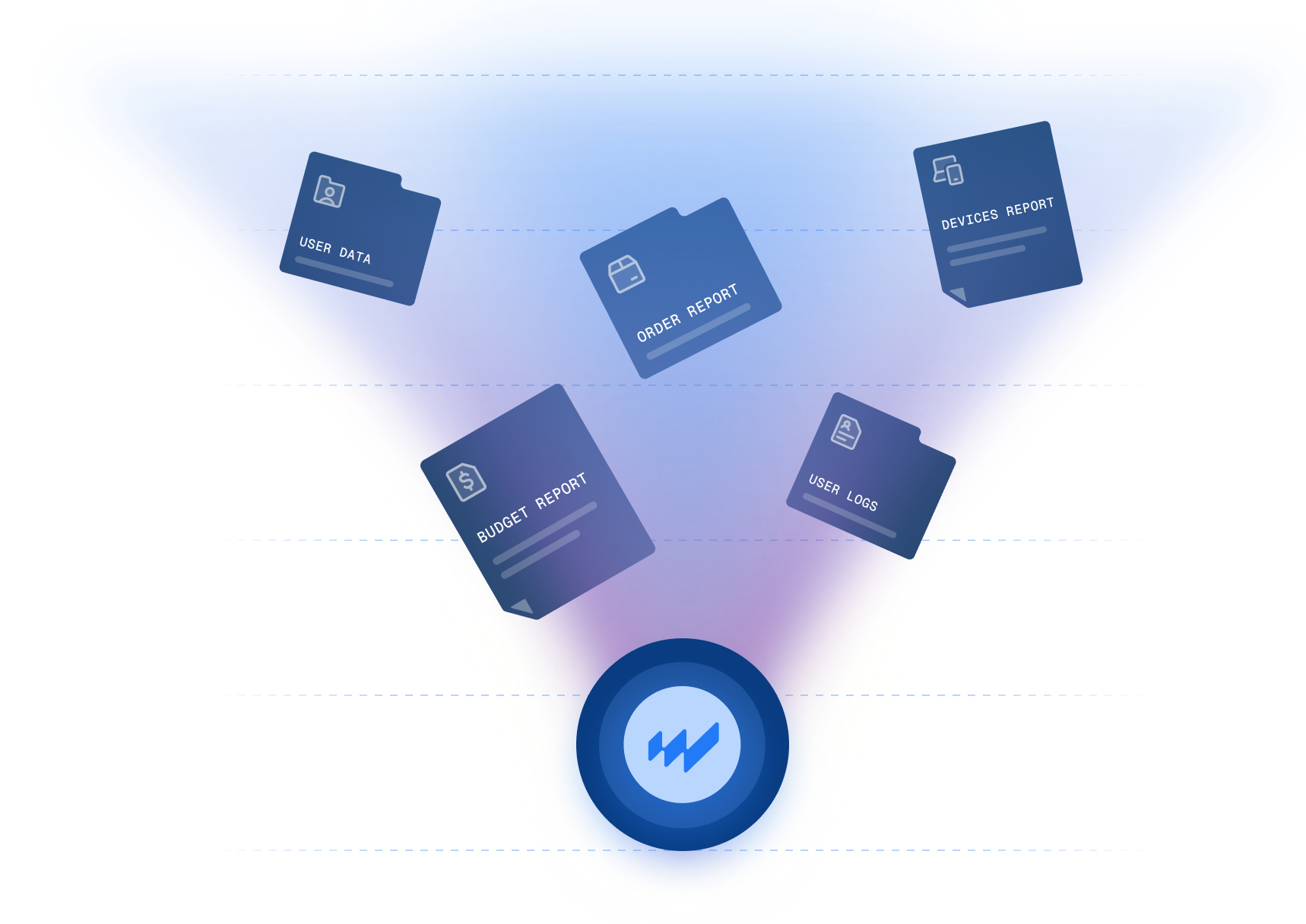
Don't let unreturned devices become write-offs. Automate retrieval before your next departure.
In this demo, we'll show you:
- How Workwize connects to your HRIS and triggers retrieval instantly
- How return logistics work across regions without manual IT coordination
- How device processing and data wipe are handled on return
.svg)
.png?width=172&height=68&name=apple%20business%20patner%20(1).png)
.svg)
.svg)
.svg)
.svg)