




.svg)
.svg)

.svg)


.svg)




.svg)
.png?width=500&height=424&name=Style-1---V1-(1).png)

-1.png?width=756&height=1456&name=USA%2c%20Canada%2c%20Mexico%20(1)-1.png)
Never ask “Where did we send those laptops?” again.
Workwize gives you powerful IT equipment tracking software for every device. From assignment to disposal in every region you own, we can help.
.png?width=2000&name=Frame%202147261809%20(1).png)

.svg)

.svg)

.svg)

Global teams use Workwize for IT asset tracking every day.
.svg)
“ Before Workwize, managing IT hardware for global hires was time-consuming, error-prone, and expensive. We had delays, lost equipment, and billing discrepancies across the board. ”
.png?width=88&height=88&name=Group%202147261402%20(2).png)
.svg)
“ We have about 1,300 employees in different countries across Europe. It is critical that we have enough inventory to supply new hires starting at Swapfiets. We also need to make sure we can retrieve those devices after offboarding. Those are two major processes we were able to streamline with Workwize.”


One lost device 6 time zones away is a security risk at headquarters.
.svg)
.svg)

Establish a single source of truth for every IT asset across the globe.
Bring all your hardware onto one powerful platform, so you’re not chasing answers across teams and tools. Know exactly what you own, where it is, and who has it.

.svg)
.png?width=44&height=44&name=Group%202147261402%20(1).png)
IT teams across the globe use Workwize's IT Asset Tracking Software.

.svg)
.svg)
Bring all devices into view in just three steps.

Log every device automatically.
- Automatically log devices procured through Workwize into
a centralized asset inventory. - Capture key details like serial number, model, purchase
data, warranty, owner, and location. - Get notifications for purchase requests, deliveries,
offboarding progress, and more. - Mass-import data for existing devices via CSV or integrations.

Get real-time status updates.
- Assign each device to an employee and location.
- Track where assets are in real time. Get updates from
dispatch to delivery. - Auto-update device status based on actions in the workflow,
like purchasing or offboarding. - Get in-app alerts on upcoming renewals, warranty expirations,
and device replacement needs.
.svg)
Monitor the entire asset lifecycle.
- Trace devices through the lifecycle: procurement, deployment,
repair, storage, and disposal. - Filter assets by office, country, status, and employee
on a real-time dashboard. - Sync with your MDM for user activity data and device
compliance status. - Track every handoff and make device history easy to verify.
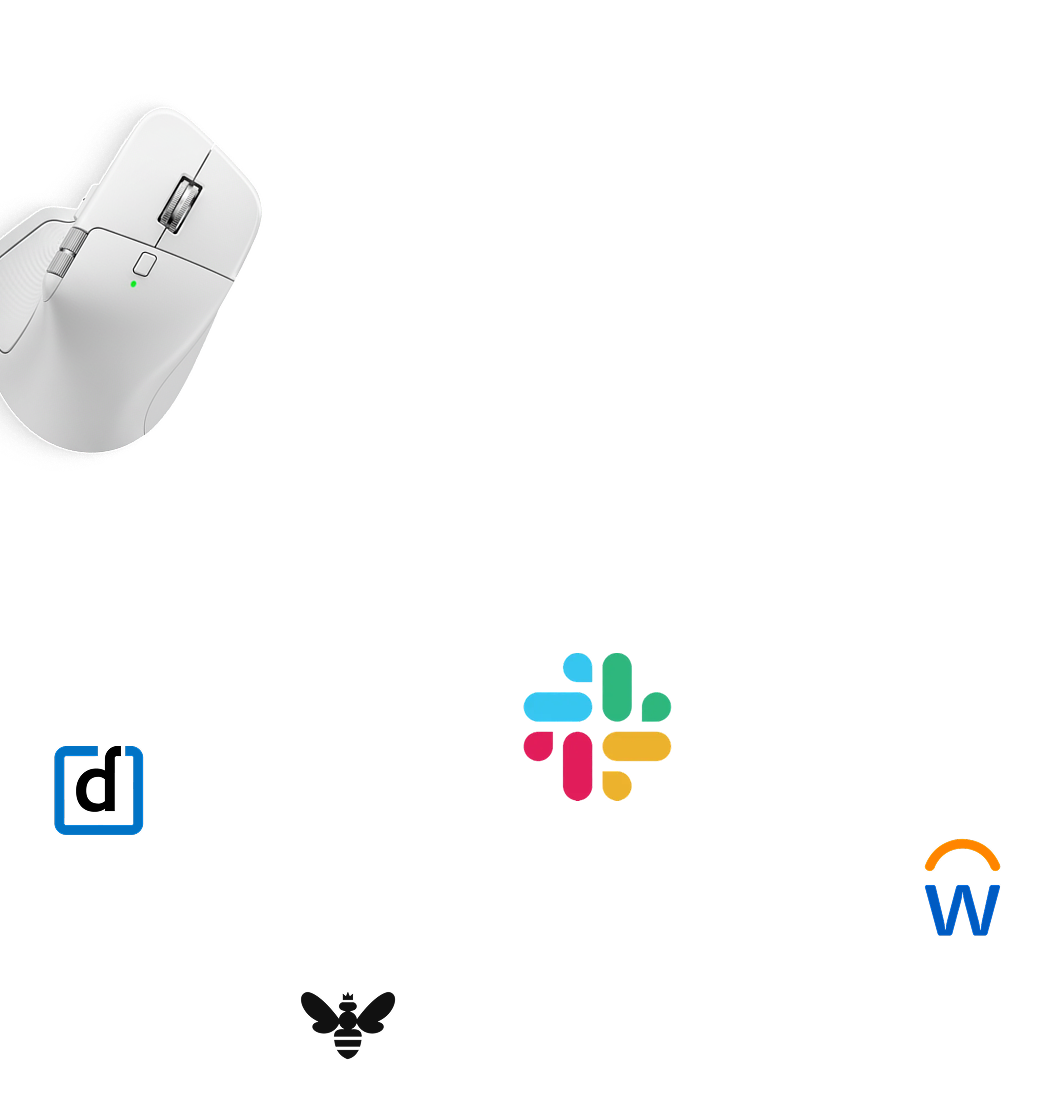

Workwize is at home with 80+ HRIS, MDM, IDP, and ITSM tools.

HRIS
Ensure laptops are ready on day 1. See when devices are scheduled to return after offboarding. Works with BambooHR, ADP, and Breathe, among others.
.svg)
MDM
Track each device's settings and compliance status with zero intervention from IT. Works with Jamf, Microsoft Intune, and Kandji, among others.

ITSM
Never miss a hardware request. Approve devices without leaving Slack.
.svg)
Asset Tracking is just the start.
Here's everything else Workwize handles.



Your IT asset tracking questions, answered.
What are the benefits of using Workwize for IT asset tracking?
The practical benefits: every device is automatically linked to a serial number and an assigned employee at the moment it ships, so tracking data is created rather than typed in; status and location update in real time through the whole journey — warehouse, transit, employee's home, return; every handoff, repair, and reassignment is logged, giving you audit-ready chain of custody; and because the same platform runs procurement and retrieval, devices can't fall into the gaps between systems. The net effect is fewer lost devices and no reconciliation spreadsheets.
How is IT asset tracking different from asset management?
Tracking is a subset of management. IT asset tracking answers the operational questions: where is this device, what state is it in, who has it right now. IT asset management wraps that in the full lifecycle: what it cost, how it's utilized, when it should be refreshed, whether it's compliant, and what happens at end of life. You can track without managing (a location log with no decisions attached), but you can't manage without tracking — the tracking data is the raw material.
Can Workwize give us a single source of truth for tracking every device across our fleet in real time?
Yes. Every device in your fleet gets one record in Workwize — serial number, assigned employee, location, status, and full event history — updated in real time as things actually happen: ordered, shipped, delivered, reassigned, retrieved, wiped, retired. Because Workwize also executes the logistics, the record and reality can't drift apart the way they do when tracking lives in a separate spreadsheet. Book a free 30-minute demo at goworkwize.com/demo and we'll show the registry with a fleet like yours.
How do we locate leased equipment when the leasing company asks for it back and we don't know where it is?
Workwize keeps every asset tied to an assigned employee and location in one registry, so you can locate specific devices on demand rather than searching. Existing equipment, including leased units, can be imported and tracked alongside devices bought through the platform. When items need to come back, you initiate a retrieval and the platform collects them from employees and confirms receipt. Accurate location depends on assets being kept current in the registry, so importing your leased fleet cleanly is the key first step.
What is the best software for IT asset tracking?
Match the tool to where your hardware lives. For office-based fleets, discovery and inventory tools like Lansweeper or Snipe-IT do the job well, often paired with barcode labels. For distributed teams, the weak point is devices in transit and in employees' homes — places network scans can't see — so look at lifecycle platforms like Workwize that create tracking data from actual logistics events (shipped, delivered, retrieved, wiped) instead of manual entry. Whichever you choose, per-serial assignment history is the feature that matters most in an audit.
What is equipment tracking software?
Equipment tracking software records what physical equipment an organization owns, who it's assigned to, where it is, and what condition it's in — typically against a unique identifier like a serial number or asset tag. In IT, that covers laptops, monitors, phones, and peripherals; the same category also spans tools, machinery, and fleet equipment in other industries. The better systems update automatically from real events (shipments, check-ins, returns) rather than depending on someone remembering to edit a register.
What do people use for IT asset tracking? (hardware especially?)
For hardware specifically, the common answers are Snipe-IT (free, open-source, works well with barcode labels), Lansweeper (network discovery, so it finds what's actually online), or the inventory module of an ITSM like ServiceNow — plus MDM inventories from Intune or Jamf as a cross-check. The shared blind spot: they track devices that exist in a database or on a network, not laptops sitting in an ex-employee's hallway two countries away. Teams with remote fleets often add a platform like Workwize precisely because it tracks the physical movements those tools can't see.
Does Workwize offer real-time tracking for hardware returns?
Yes. Tracking data is created from the return itself, not a manual update: once a retrieval is initiated, the device's status updates in real time as it moves from the employee's home through pickup, transit, and warehouse check-in, with each step timestamped against that device's record. You always know where a returning device is and when it will be back in stock, rather than waiting on a courier reference number.


Change every
“I think” to “I know” for IT assets.
See how Workwize monitors every device in real time: where it’s been, who has it, and what’s happened to it. Let us show you how to:
- Integrate with your MDM and HRIS systems
- Automate every step of the IT asset lifecycle
- Track IT assets and compliance across borders
.png?width=540&height=356&name=Frame%202147262618%20(1).png)
.svg)
.png?width=172&height=68&name=apple%20business%20patner%20(1).png)
.svg)
.svg)
.svg)
.svg)