




.svg)
.svg)

.svg)


.svg)




.svg)


.png?width=1230&height=692&name=Vector%20(13).png)
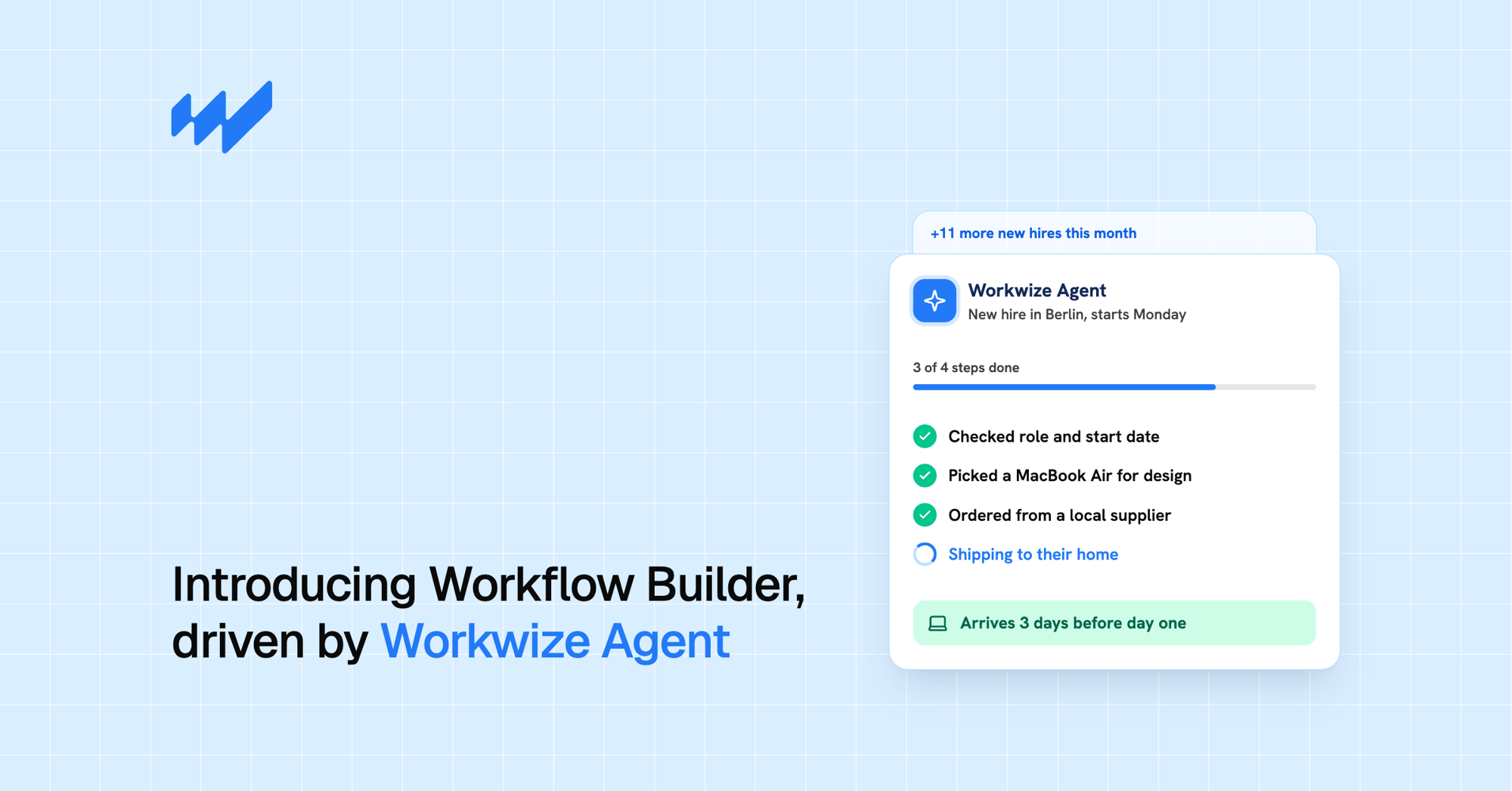
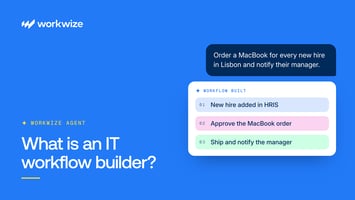
A few weeks ago we launched Workflow Builder, and IT teams started describing automations in plain language instead of building them by hand. Today we're introducing the layer that made that possible.
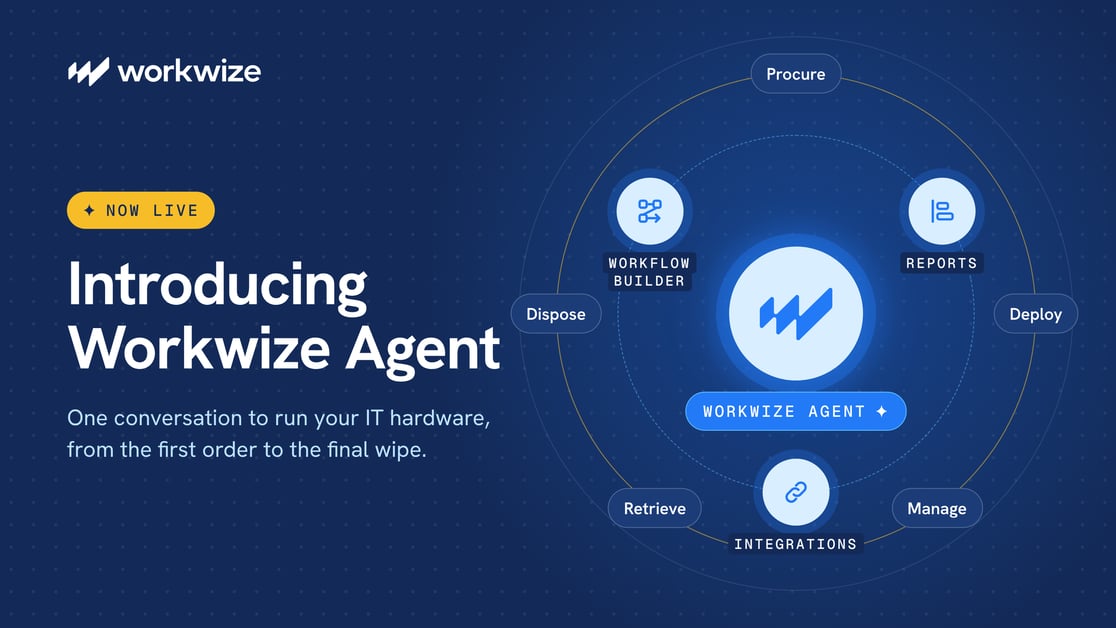
Workwize Agent is the AI agent that sits above everything you do in Workwize. You tell it what you need in plain language, and it builds and runs the workflow, connects the systems involved, and reports back on what happened. Then Workwize's warehouses, specialists, and logistics network in more than 130 countries handle the physical work, so every request ends with a device on someone's desk.
You don't need separate tools for automation, integrations, and reporting, because one conversation now covers all three.
Why we built Workwize Agent
IT hardware spans borders, and every region handles it a little differently. A new hire in Lisbon and a leaver in Austin each need a device procured, configured, shipped, and returned, and the work between the HR event and the laptop on a desk still runs on emails, spreadsheets, and local suppliers.
Most of that work never gets automated, because automating it takes engineers and a slot on the roadmap. So IT ends up as the glue between the HRIS, the MDM, the service desk, and the people moving the hardware. Every handoff adds delay, every handoff is a chance for a device to go missing or an account to stay open, and the coordination work grows with every hire and every new country.
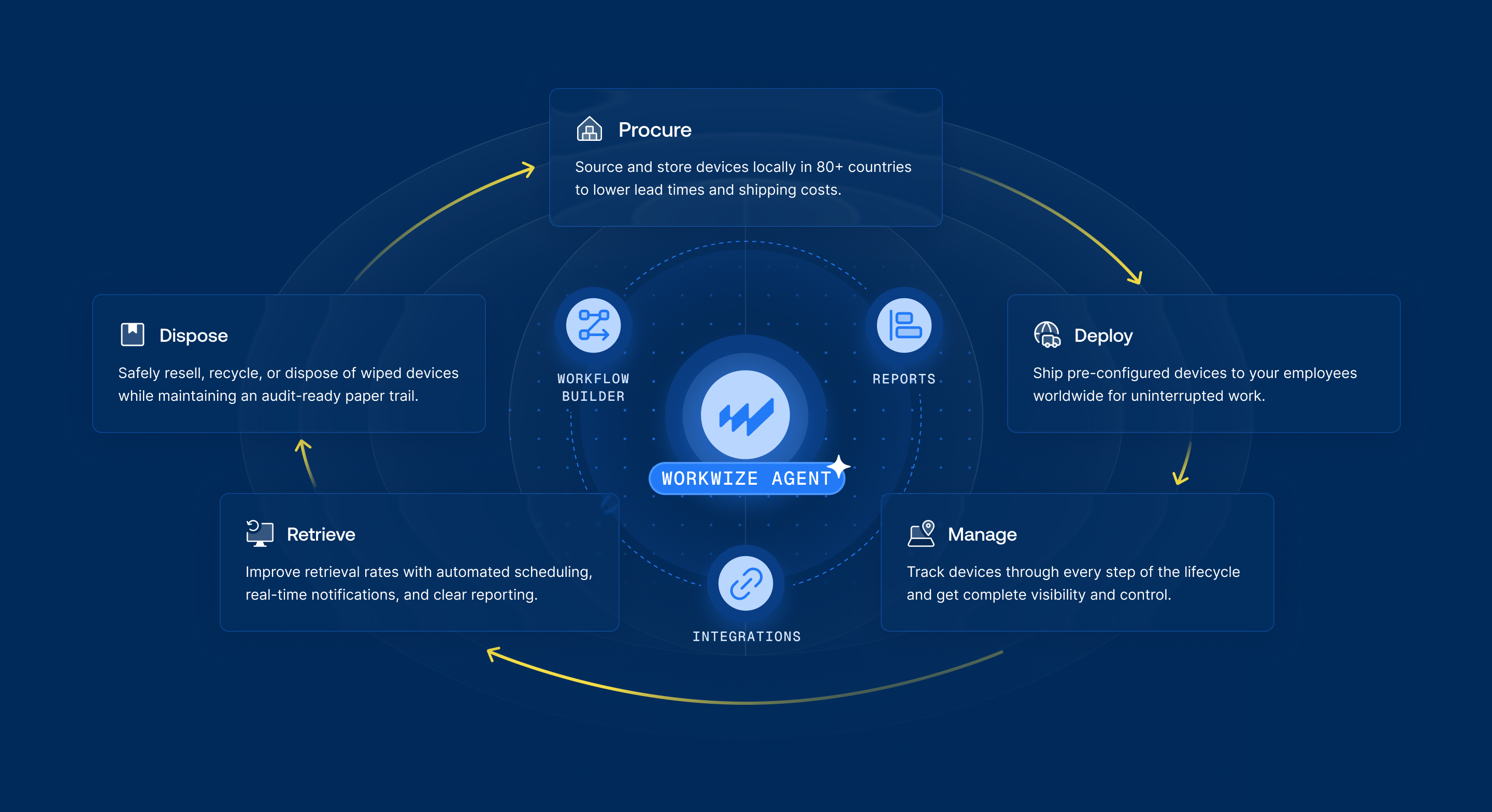
We already run the physical side of IT with our own warehouses, specialists, and global logistics, from zero-touch deployment to IT asset retrieval. Workwize Agent connects that operation to the tools you already use and puts it behind a single conversation.
How Workwize Agent works
The Agent sits above your workflows, integrations, and reports, and directs all three.
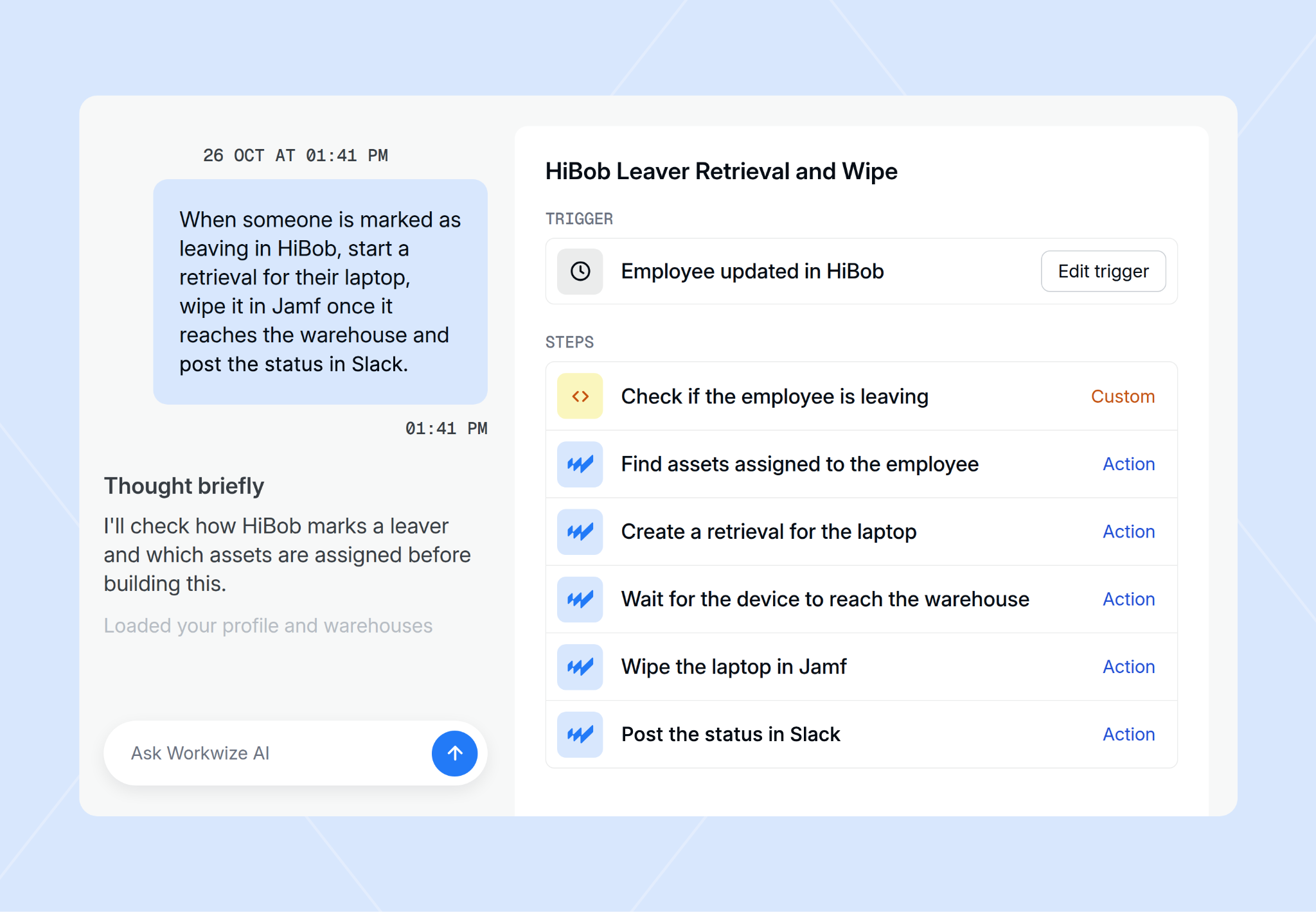
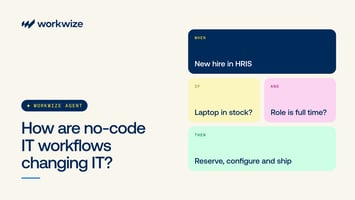
- Workflows: say it once, and the Agent runs it. Describe a process like "when someone is marked as leaving in HiBob, start a retrieval and wipe the laptop once it reaches the warehouse," and the Agent builds the triggers, conditions, and actions in Workflow Builder for you to review, test, and publish. Workflows can be tailored to specific locations and teams.
- Integrations: your systems, finally in sync. The Agent connects your HRIS, MDM, identity, and service desk tools through Workwize integrations, so workflows react to real events like a new hire or a departure and every system stays up to date.
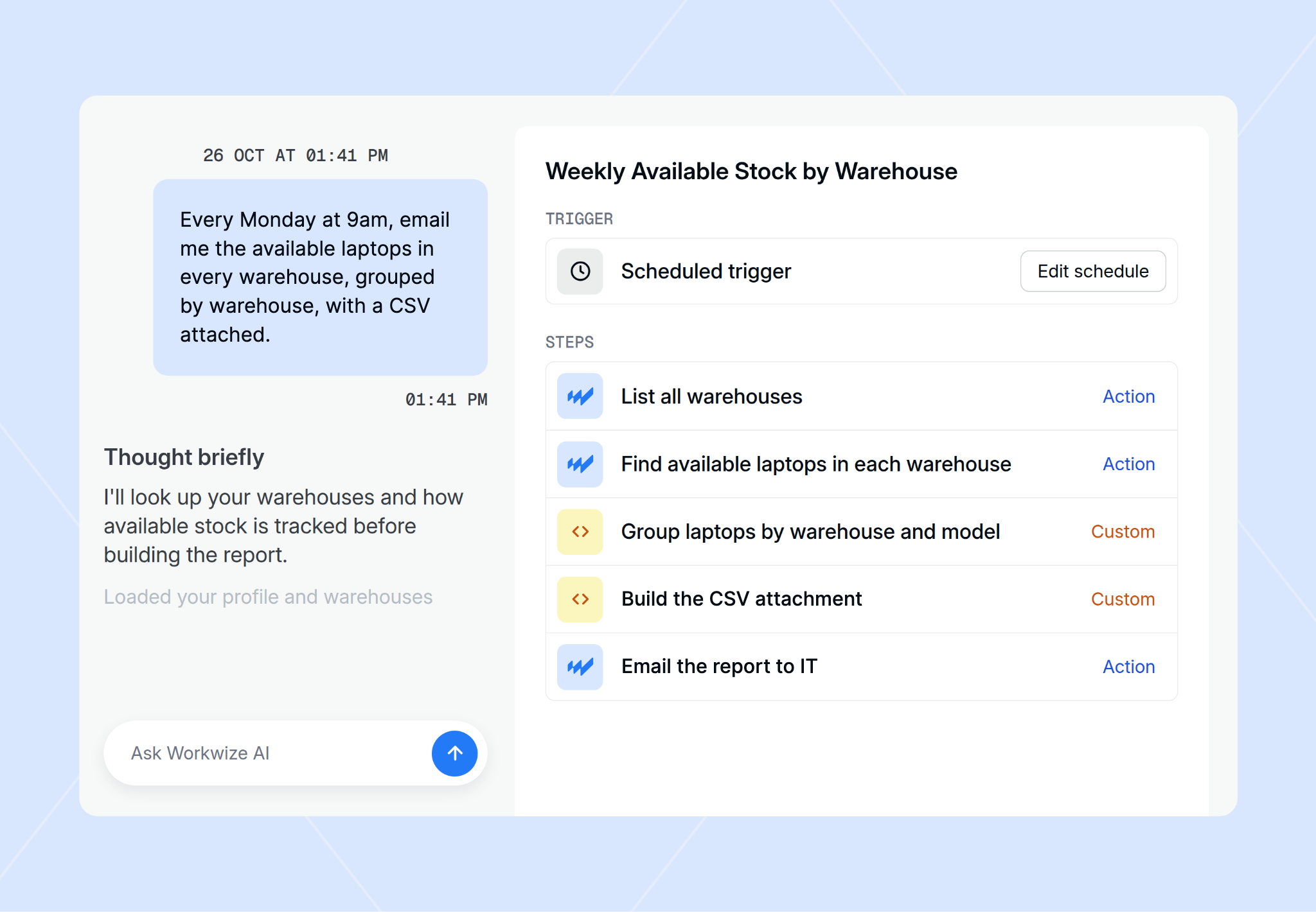
- Reports: ask a question, get the answer, and act on it. Ask how many laptops are unassigned in Berlin, or have a weekly email of available stock per warehouse sent every Monday. Then act on the answer in the same conversation, and the Agent explains what it did and why.
What customers are already doing with it
Customers in the first batch are already building their own workflows. Connecting other tools was the most common request, followed by device lifecycle work and stock questions. A few examples from the past two months:
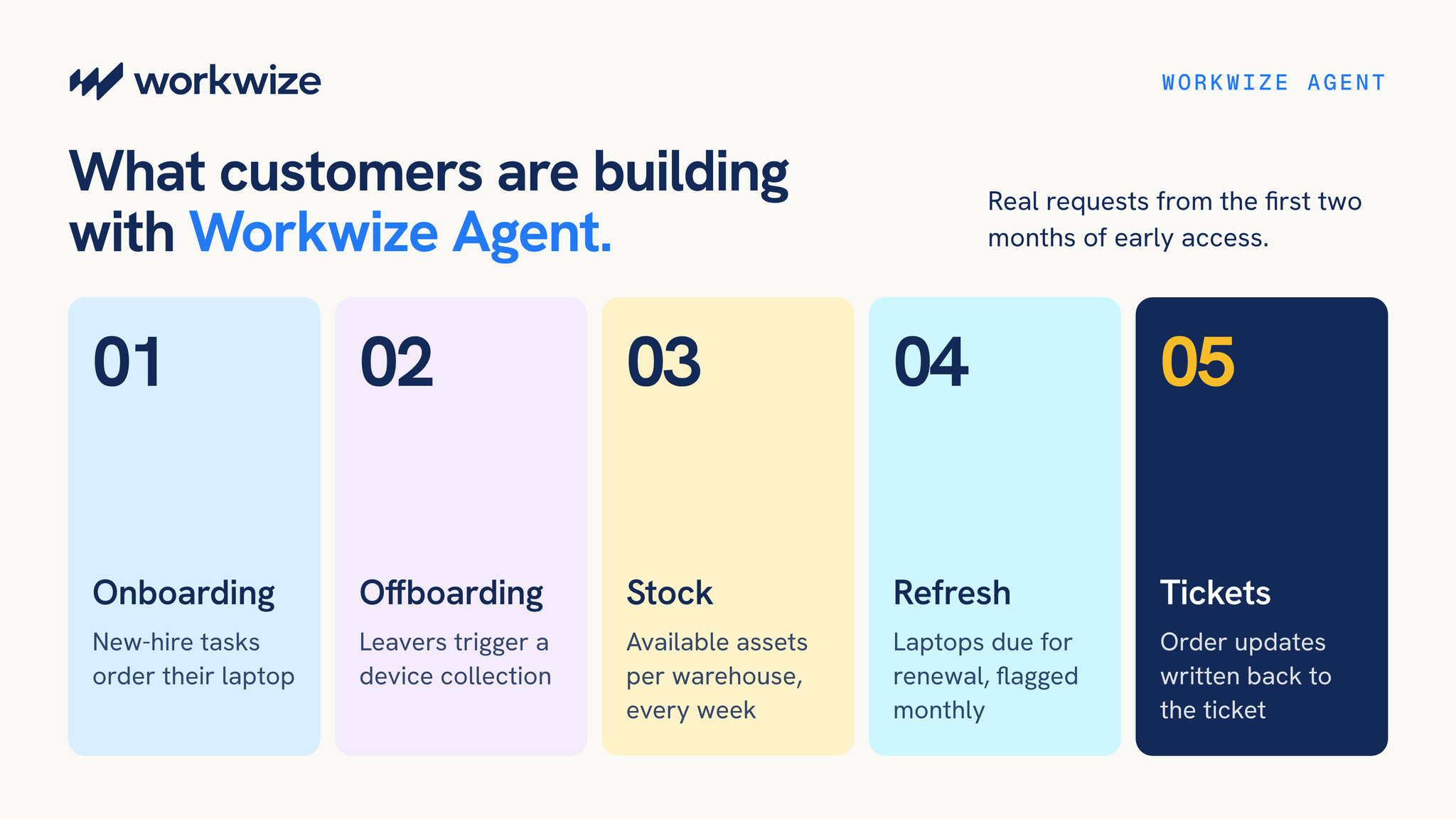
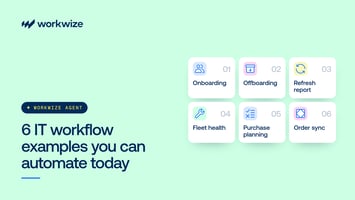
- Onboarding from the service desk. A ServiceNow new-hire task automatically orders the new hire's hardware, and new hires get setup instructions by email before their device arrives, so automated onboarding starts in the tool IT already works in.
- Offboarding that starts in HR. When HR sets a leaver field in HiBob, the Agent schedules the device collection, and the user can be removed automatically once every asset is back, so automated offboarding needs no manual follow-up from IT.
- Stock and shipment visibility. IT teams get a weekly email of available assets per warehouse, and order status is posted to Slack every day, which keeps IT inventory management current without anyone pulling reports by hand.
- Refresh planning. A monthly check flags laptops that are overdue for renewal, and employees get a Slack reminder when their laptop is due.
- Keeping the service desk updated. Order and shipping updates are written back to ServiceNow tickets, and a Freshservice ticket is opened whenever a new order is created.
You approve every real-world action
An agent that can order devices and wipe laptops needs guardrails, and they were built in from the start.
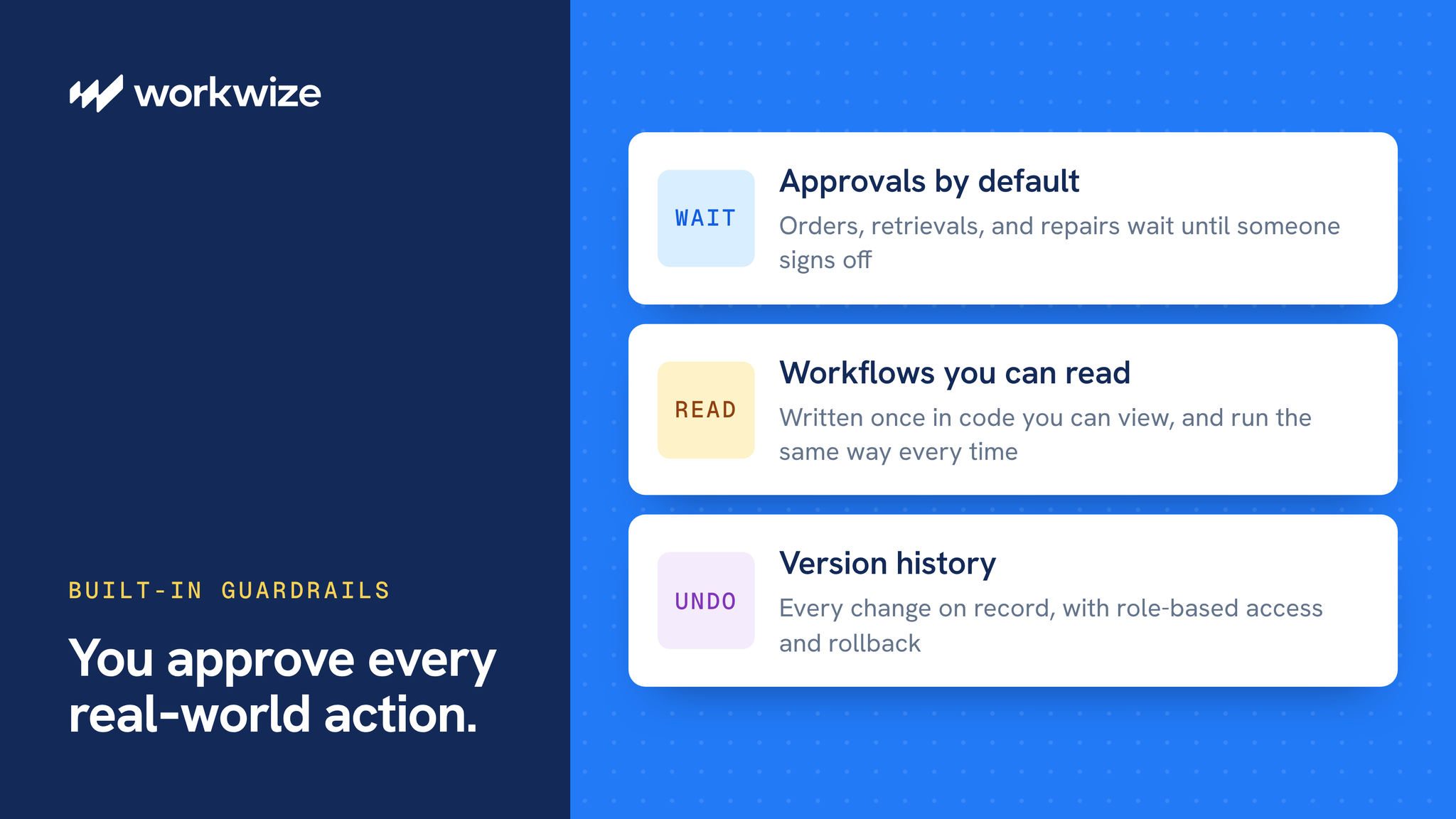
- Approvals by default. Any action with a real-world consequence, such as an order, a retrieval, or a repair, waits in an approvals queue until someone signs off, and skipping approval for a step is always an explicit choice.
- Workflows you can read. The Agent writes each workflow once, in code you can view and edit, and it runs the same way every time.
- Access and history. Sharing scopes, role-based access, and full version history are applied automatically, so every change can be audited and rolled back.
You can read more about these guardrails in our guide to secure IT workflows with Workwize Agent.
Works with your existing tools
Workwize Agent connects natively to the tools IT already runs:
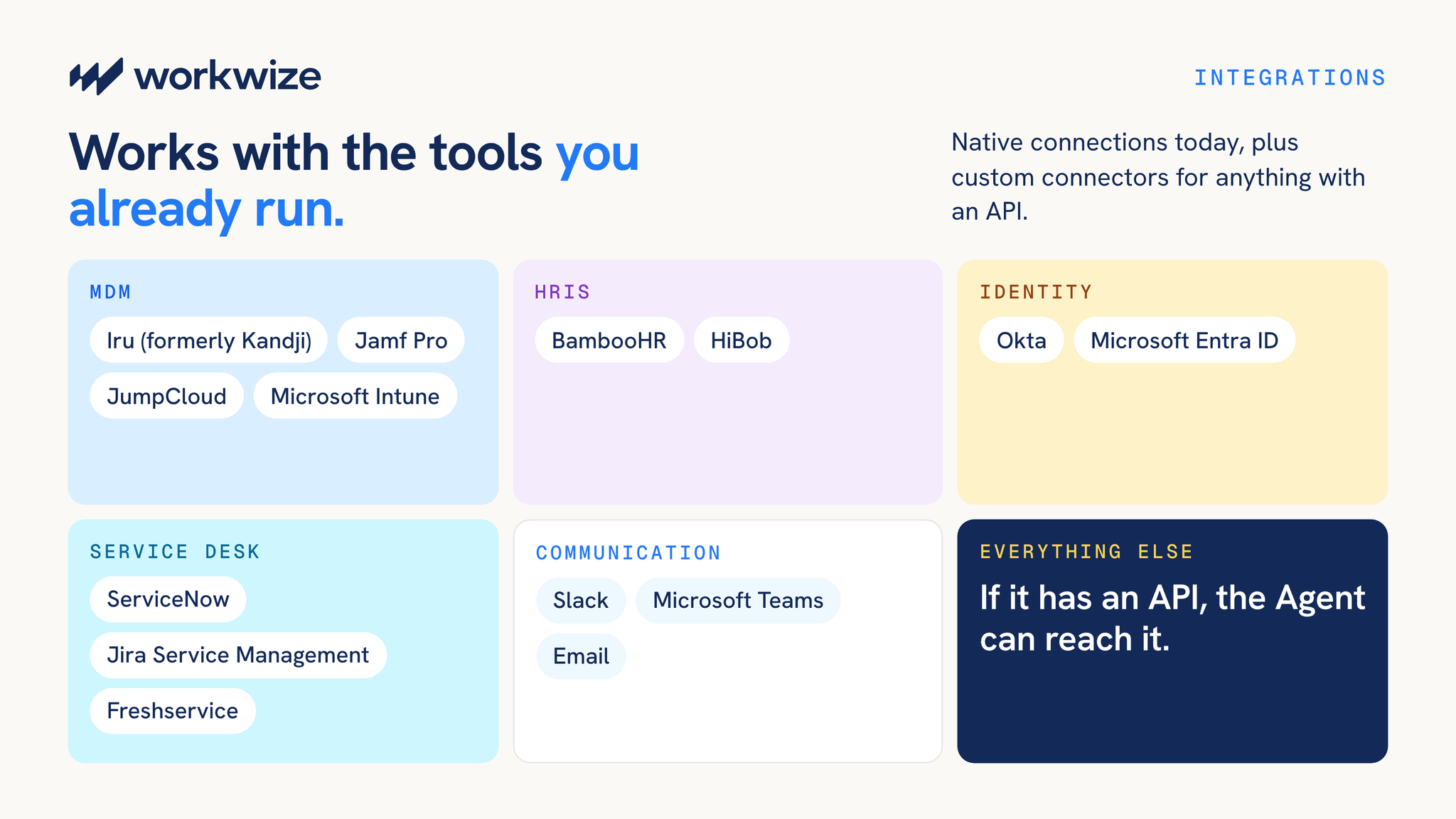
- MDM: Iru (formerly Kandji), Jamf Pro, JumpCloud, and Microsoft Intune
- HRIS: BambooHR and HiBob
- Identity: Okta and Microsoft Entra ID
- Service desk: ServiceNow, Jira Service Management, and Freshservice
- Communication: Slack, Microsoft Teams, and email
For anything else, such as an internal app or another ticketing system, it connects through custom connectors and webhooks. If a tool has an API, the Agent can reach it.
Why it matters
"Workflow Builder showed us IT teams want to describe the outcome and let us handle the steps. Workwize Agent runs the workflow, keeps your systems in sync and reports back, with our own warehouses behind it."
Sebastiaan Scholten, CTO, Workwize
- One place to run IT. As your devices, team, and countries grow, the Agent becomes the single interface IT works through, on top of IT asset management and procurement in Workwize.
- Scale without adding headcount. Every workflow, integration, and report the Agent takes on is coordination work your team no longer does by hand.
- Fewer slips between tools. Devices come back, accounts get closed, and data gets wiped, because the handoffs run automatically.
- Real-world outcomes. Devices ship, return, get repaired, and get wiped through Workwize's own operation.
- Control stays with you. Approvals, readable workflows, and version history keep every action accountable.
Get access
Workwize Agent is available in early access. Existing customers can get access by contacting their CSM. Customers on the Basic plan get three months free, and it is included in Pro and up. Not a Workwize customer yet? Book a demo to see Workwize Agent in action.


Establish a single source of truth for every IT asset across the globe.
.png?width=258&height=318&name=g10%20(5).png)
More related resources to help you stop firefighting hardware operations.

Get monthly insights into how other IT leaders are improving their ops.



.png?width=2880&height=1232&name=Group%202147262874%20(1).png)
Stop coordinating
hardware like it's 2012.
.svg)
.png?width=172&height=68&name=apple%20business%20patner%20(1).png)
.svg)
.svg)
.svg)
.svg)